
AI animation for YouTube
AI animation generator, from text to animated video
Paste the narration for your next video. Insaga splits it into scenes, draws each one in the animation style you choose, keeps your characters the same from the first minute to the last and brings the frames to life. The voiceover, subtitles and thumbnail are made in the same studio.
100 free credits · no card
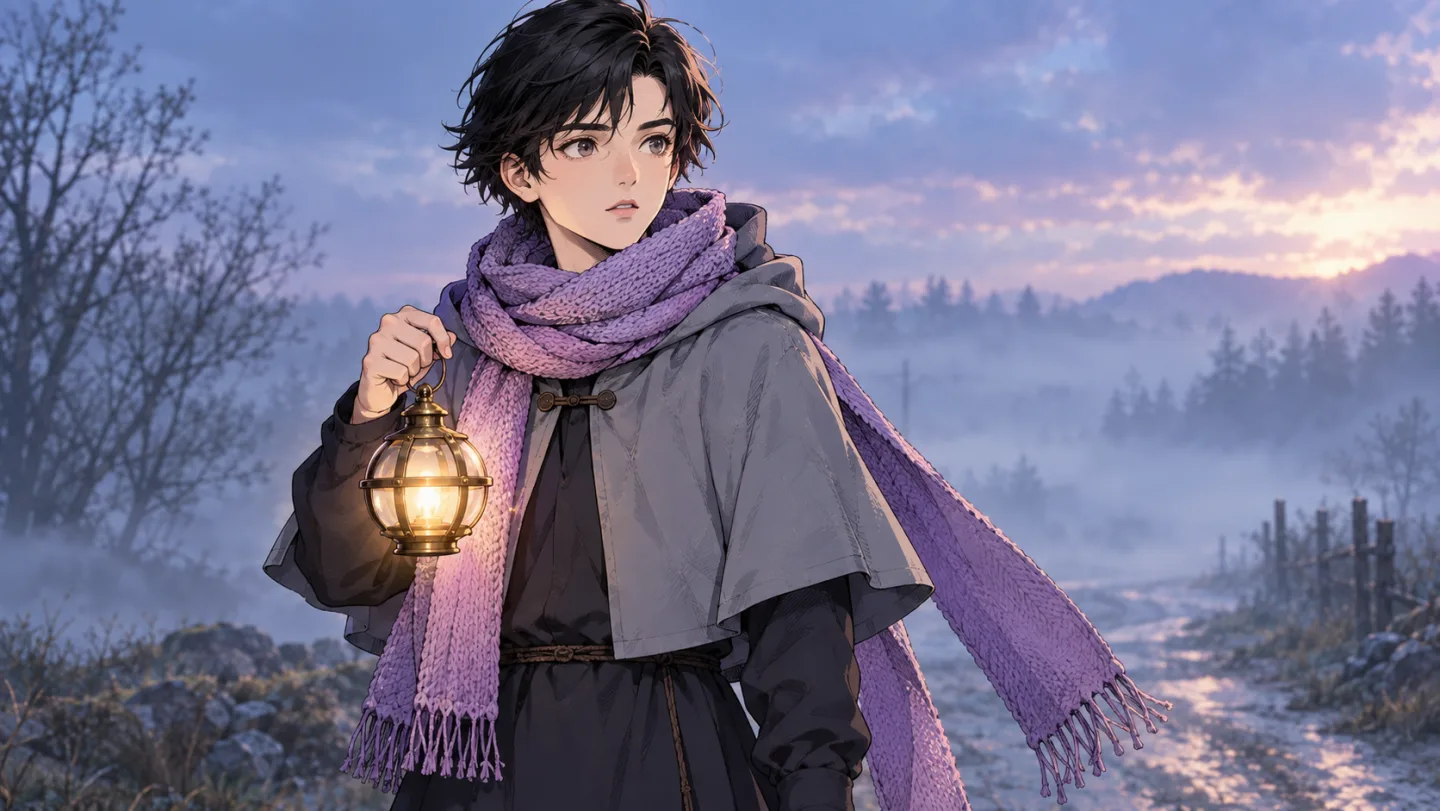
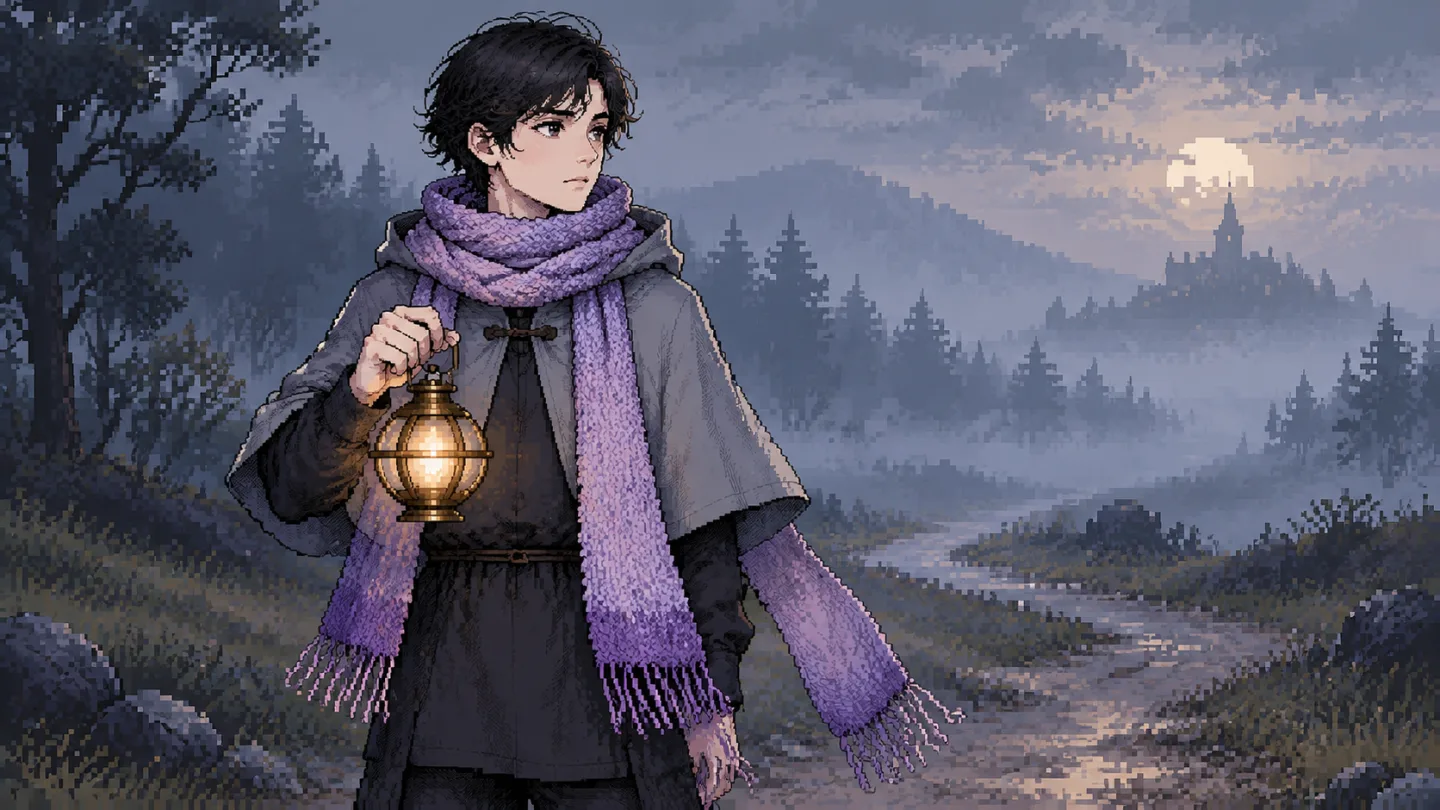
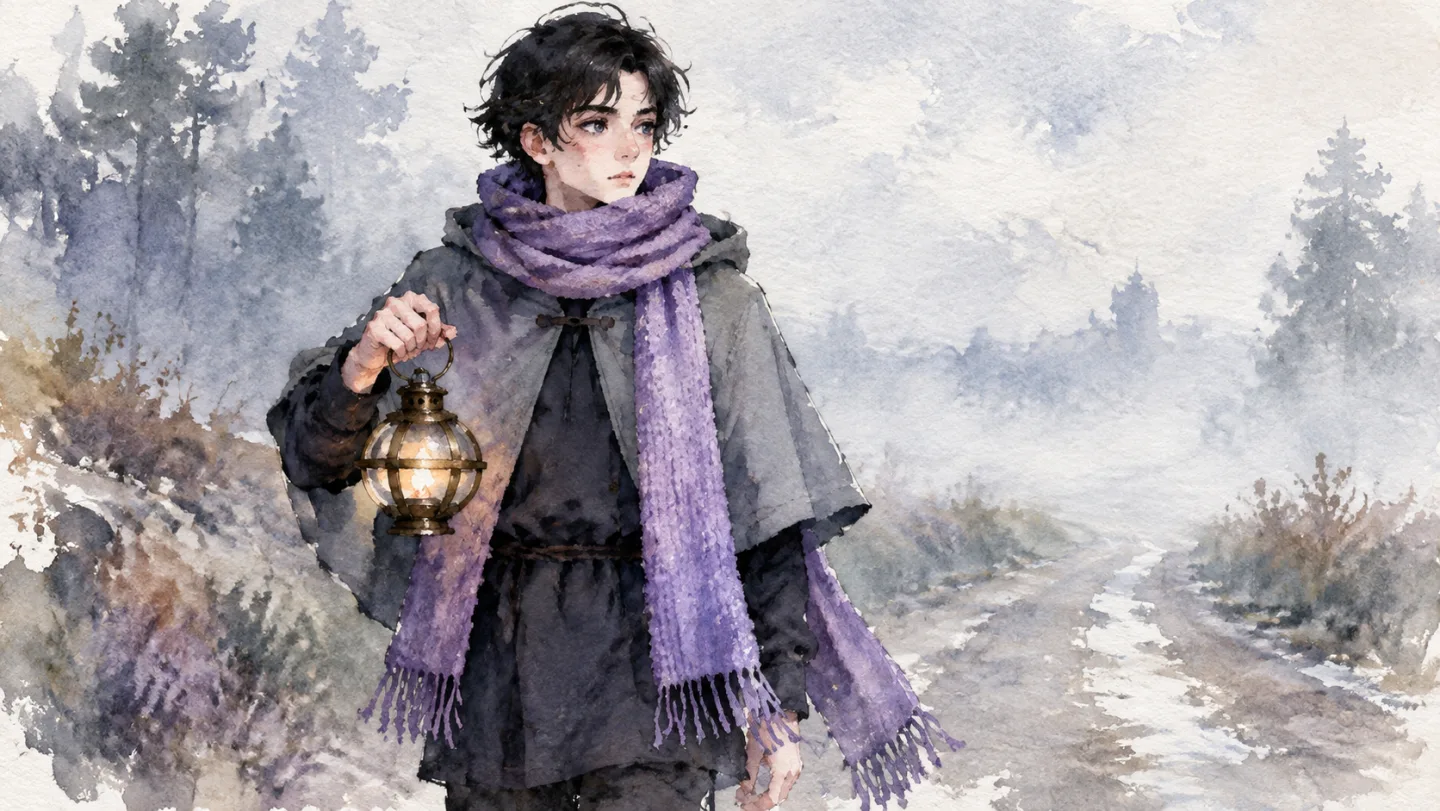
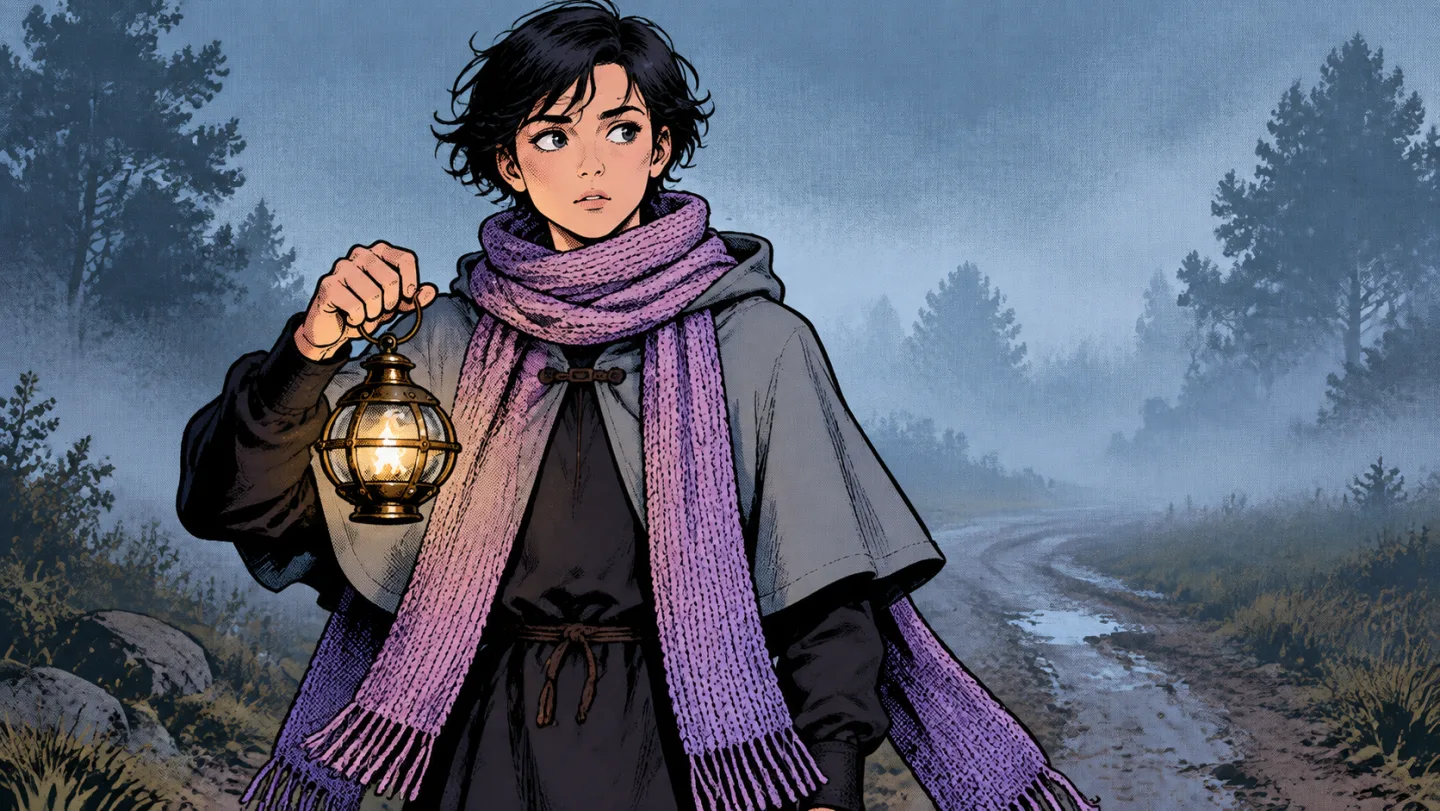
From narration script to animated video
An animated YouTube video is mostly a voice, with pictures that keep up with it. The hard part is the pictures: a look that holds for ten minutes, characters the viewer recognizes and enough movement to keep the eye busy. This is the order Insaga works in.
Paste the narration
Paste the script you are going to read, or a story written for voiceover, from a short script to a whole season. Insaga splits the text into scenes along the narration, so every beat you say out loud gets its own picture.
Pick the look
Choose one of 100+ styles, from stickman and flat vector explainers to claymation, watercolor, noir and oil painting. If your channel already has a look, build a custom style from your own reference images (on the Director and Studio plans) and use it on every video.
Meet the recurring cast
Before any scene is drawn, each character gets a reference sheet and each place gets a design. The narrator's cat, the history teacher, the robot mascot: set up once, they look the same in scene 3 and in scene 80.
Approve the frames, then animate
Every scene is drawn as a still first, so you can check it while changes are cheap. Redraw one frame and the others stay as they are. On the Studio plan, approved frames are animated into clips of about eight seconds each, in 16:9.
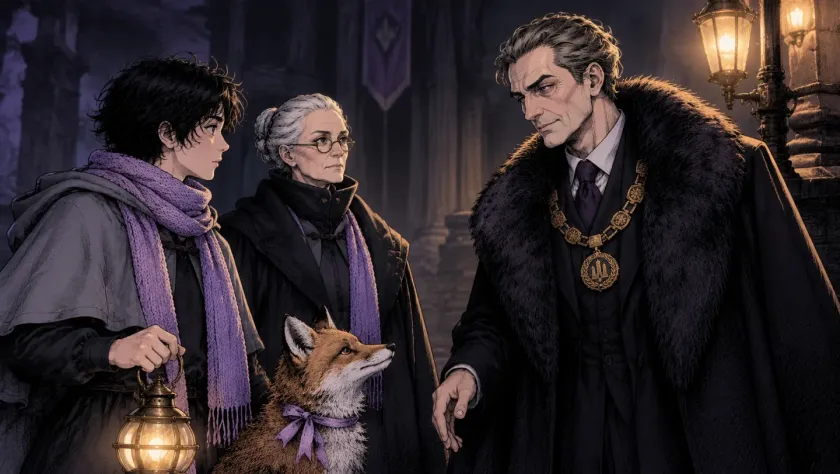
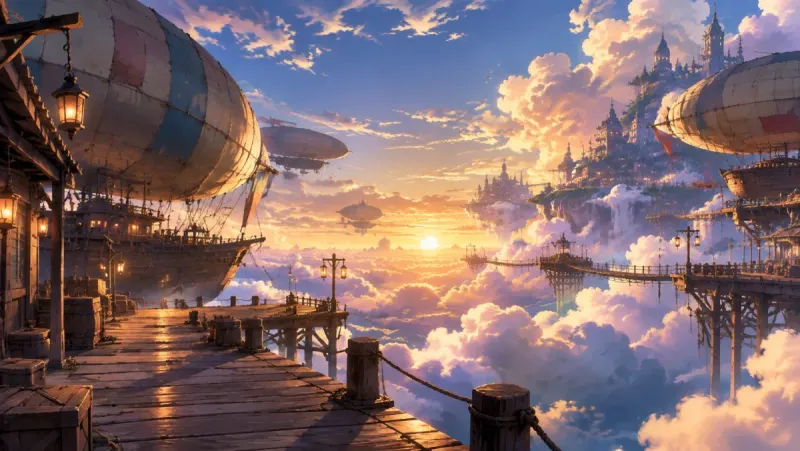
A frame from our short film «The Lamplighter». Every scene starts as a still like this one. Voice it, cut it, publish it
Pick a narrator from 6,000+ voices and give the characters who speak voices of their own. The timeline lines the scenes up with the narration by itself; you add subtitles, your music track, transitions and camera moves, make a thumbnail and export an MP4 for YouTube.
Which animation style fits which video
A style tells the viewer what kind of video this is before the first word. These are the built-in styles creators reach for most often, each with its own page and examples.
| Good for | What it looks like | |
|---|---|---|
| Stickman | Psychology, money and self-improvement explainers, top-10 lists | Stick figures on clean backgrounds, so nothing competes with the voice |
| Vector minimalism | Science, space and how-it-works videos | Flat shapes and bright color: the infographic look of popular science channels |
| 2D Animation | Storytime, stories with a host character | Clean vector drawing with soft gradients |
| Sketch | History, biographies, “what if” videos | Pencil lines and crosshatching, like a notebook come to life |
| Oil Painting | Ancient history, myths, the stories behind paintings | Thick brushstrokes and old-master light |
| Classic Comics | True crime, mysteries, action stories | Bold outlines, vivid color, dramatic angles |
| Manga | Drama and romance stories, anime-flavored channels | Expressive faces and screentones, for black-and-white anime-style stories |
| Noir | Detective stories, crime history, horror | High-contrast black and white with deep shadows |
| Classic Cartoon | Comedy sketches, family stories | Warm, expressive golden-age cartoon drawing |
| Claymation | Cozy stories, bedtime tales, playful explainers | Clay figures on miniature sets |
| Watercolor | Fairy tales, poems, calm narration | Soft washes and transparent color |
| Pixel Art | Gaming, retro tech, invented worlds | 8- and 16-bit pixels |
| 2.5D | Action, fantasy, superhero stories | 3D characters with painted textures |
| Cinematic and Realism | Documentary-style history, dramatic retellings | Film lighting and lifelike detail |
| Rotoscopy | Dreamlike stories, pieces cut to music | Drawn over live action, with a psychedelic edge |
The other built-in styles are mixed-media collage, modern rubber hose, retro comics, dirty comics, underground comic, quirky minimalist and gross-out. Anime looks are among the styles too. See all of them on the styles page.
An anime story with a cast that stays put
An anime world made in Insaga: a young pilot, her round robot, an old sky captain and a cloud whale, designed once and then drawn into every scene of the story.
The recurring cast
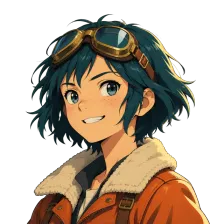 The pilot
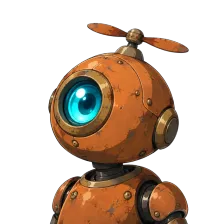 The robot
 The captain
 The cloud whale
Scene after scene, the same four
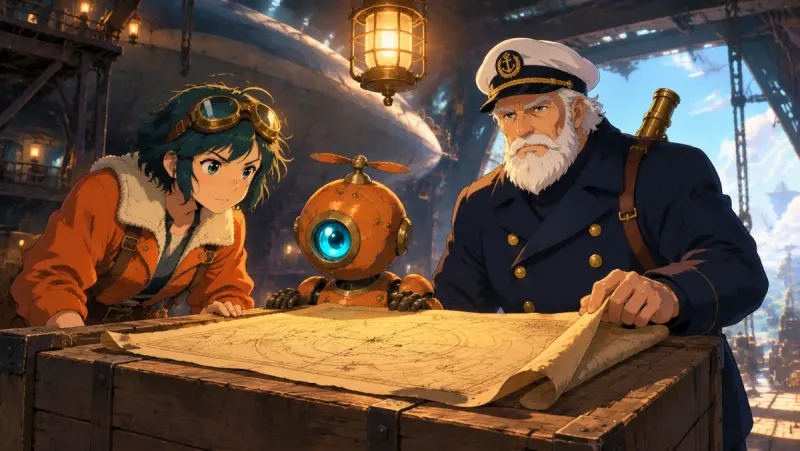
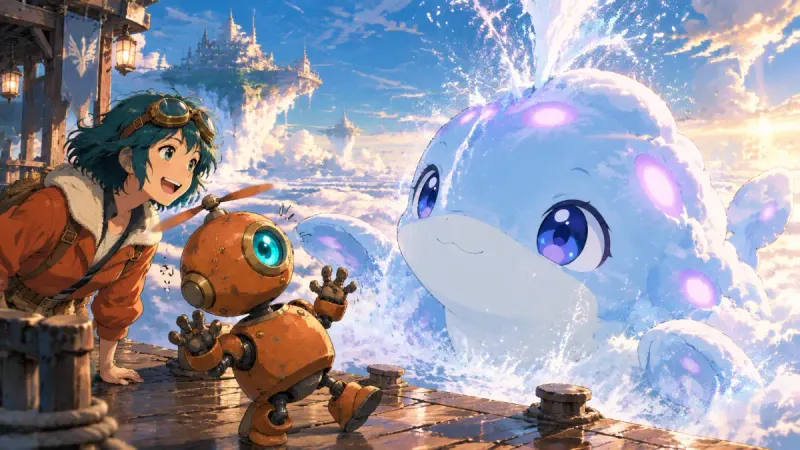
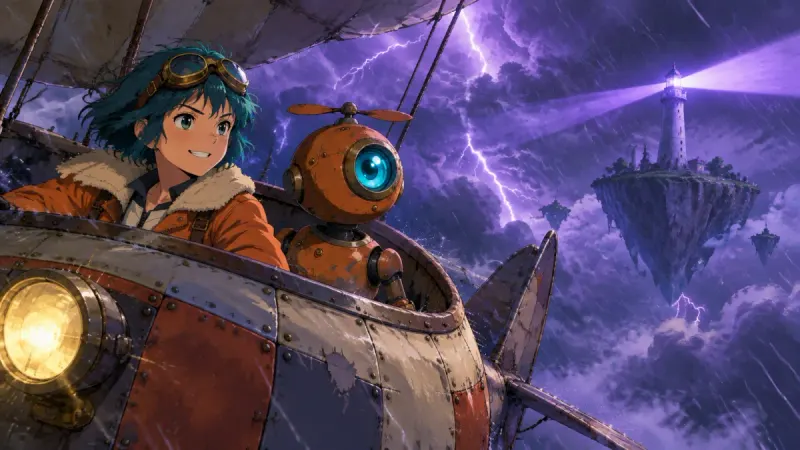
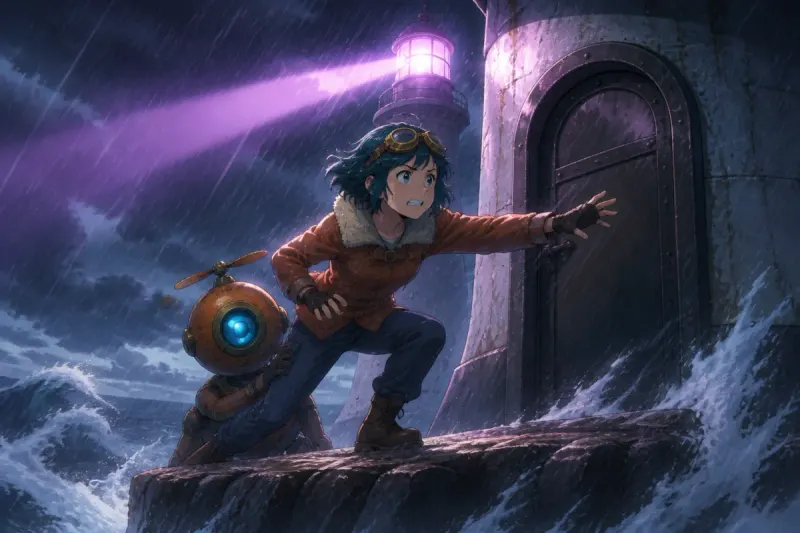
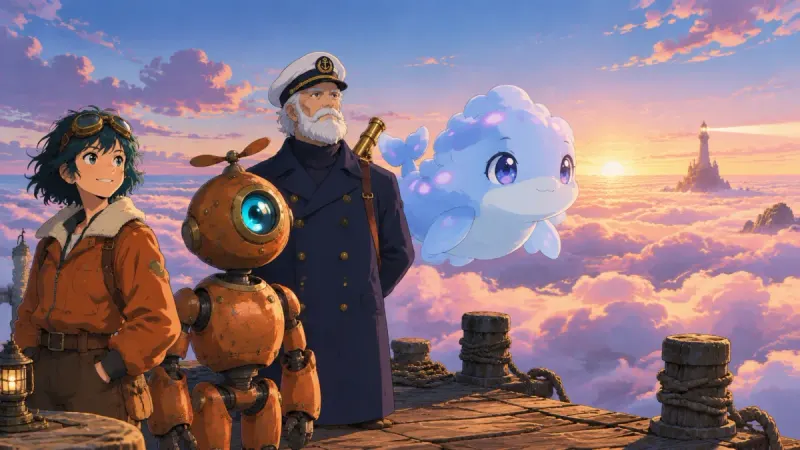
The goggles, the orange jacket, the robot's propeller and the captain's white beard survive a lightning storm, a wave-beaten rock and a sunset. On a channel, that is what turns a drawing into a character people come back for.
Everything the video needs after the pictures
- A narrator and a cast of voices
- 6,000+ voices: one narrator for the channel and a voice of its own for each character who speaks. Voiceover is on paid plans, and before it the script can be translated into any of 27 languages at no charge.
- Cut to the narration
- The timeline places each scene under the words it illustrates. You trim, reorder and swap scenes instead of dragging a hundred clips into place by hand.
- Movement on top of movement
- 12 camera motions (slow zooms, pans, push-ins), 15 transitions and 14 color filters, so the picture keeps moving under the voice.
- Subtitles
- Subtitles are generated automatically, with 31 styles to match the channel's look.
- Your music, your thumbnail
- Add your own music track, then design the thumbnail in the same studio, starting from one of 79 templates.
- Ready for YouTube
- Export an MP4 in 720p, 1080p or 4K, in 16:9 or cinematic 2.35:1. Paid plans export without an Insaga watermark, and what you make comes with a commercial-use license.
A channel that looks like itself
Viewers decide in a second whether a video comes from a channel they know. The thumbnail, the colors and the characters do that work before the narration starts. That is why Insaga treats the style and the cast as things you set up once and keep, not settings you retype for every video.
Your own style. On the Director and Studio plans you can build a custom style from reference images: your channel's artwork, or a look an illustrator drew for you. It is saved and works like a built-in style on every new project.
Your own characters. A host, a mascot or a whole family of recurring characters is designed once and kept in every scene. When a long script is split into episodes, the cast comes back by uploading the characters' pictures from the previous episode.
A weekly routine. On the Studio plan, autopilot takes a story through images, animation, voiceover and the timeline to an exported video in one run, and image and animation generation is unlimited. You review the result instead of assembling it step by step.
Animated videos you can make from a script
History explainers. Paste a script about the last days of Pompeii and choose Sketch or Oil Painting. The people and places the narration names get a fixed look, so the baker from minute two is recognizable when he returns in minute nine.
Science and how-it-works videos. Vector minimalism or 2D Animation suits diagrams and cutaways, and a recurring host character gives the channel a face without anyone on camera.
Storytime and true crime. Classic Comics and Noir hold tension well. Everyone in the story keeps one face and one outfit, which matters when the narration jumps back and forth in time.
Game-style worlds. Pixel Art for retro topics, 2.5D for fantasy and action. A chronicle of an invented world or a tabletop campaign can travel region by region with the same heroes.
Anime-style stories. Pick one of the anime looks, or Manga for black-and-white pages, like the world above.
Questions about AI animation
What does “text to animation” mean in Insaga?
You give it text, usually the narration of a video, and get animated scenes back. Insaga draws each scene as a frame in the chosen style, animates the frames into short clips and lines them up with the voiceover. It is not a kinetic-typography tool that animates the words themselves, and you never rig characters or set keyframes.
Can it make stickman and explainer animation?
Yes. Stickman is one of the 100+ styles, alongside Vector minimalism for the flat infographic look of science channels, 2D Animation and Sketch. Pick one, paste the script, and every scene is drawn in it.
Is there an anime style?
Yes. Anime looks are among the 100+ styles, next to Manga, like the pilot and the robot on this page. For a look that is only yours, build a custom style from reference images on the Director or Studio plan.
Can every video on my channel look the same?
Yes. Use one built-in style for the channel, or save a custom style and apply it to each new project. Characters live on reference sheets, so the recurring ones keep their faces and outfits.
How long can my narration be?
As long as you need, from a short script to a whole book. If a very long text does not fit into one project, we raise the limit for your account.
What can I make with the free credits?
A new account gets 100 credits once, with no card. That is enough to set up the characters and draw frames in a built-in style, so you can see how your channel would look. Animation, voiceover and export are on paid plans; on the Studio plan image and animation generation is unlimited.
Can I post these videos on a monetized channel?
What you make in Insaga comes with a commercial-use license under the Terms. Monetization itself is YouTube's decision, and YouTube looks for original content, so your own scripts and characters matter more than the tool.
Do I need animation software or experience?
No. Insaga runs in the browser. Your decisions are a director's: what the script says, which style, how the characters look, which frames to keep. The drawing, animating and cutting are done for you.
Keep exploring
Paste a script and pick a style
Start with the script of your next video. The first 100 credits are free and need no card: enough to meet your characters in the style you choose.
Works in the browser. No install.