

True crime and mysteries
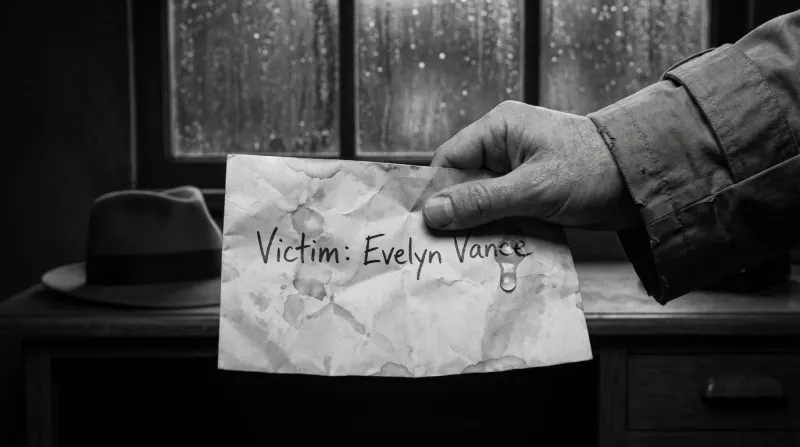
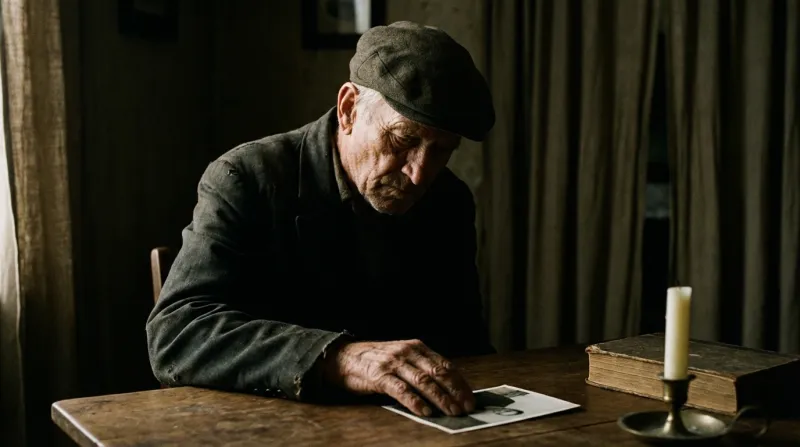
Cold cases, disappearances, letters with no signature. Black-and-white Noir or Realism keeps the tone serious, and the Portrait camera preset stays close to faces, which is where interrogations and confessions happen.
Faceless YouTube video generator
Pick a niche, give the channel a look and a recurring cast, then turn every new script into a narrated 16:9 episode with subtitles and a thumbnail. Nobody has to appear on camera, and no frame is borrowed from a stock library: each one is drawn for your story.
100 free credits · no card
Long-form faceless channels that keep their audience usually have two things: a look viewers recognise from the thumbnail and characters they come back for. The frames below come from stories made in Insaga. Each card pairs a niche with styles and settings that suit it.
Cold cases, disappearances, letters with no signature. Black-and-white Noir or Realism keeps the tone serious, and the Portrait camera preset stays close to faces, which is where interrogations and confessions happen.
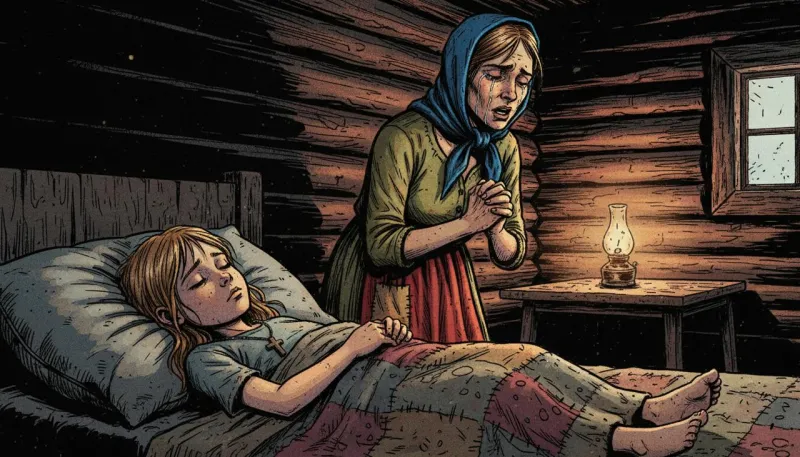
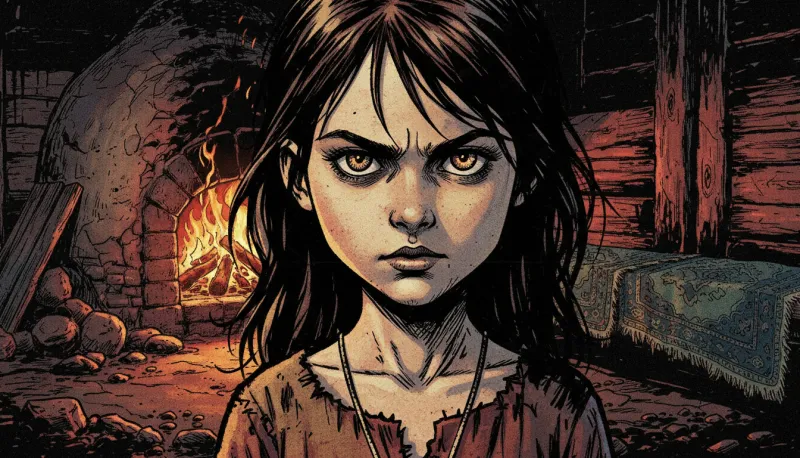
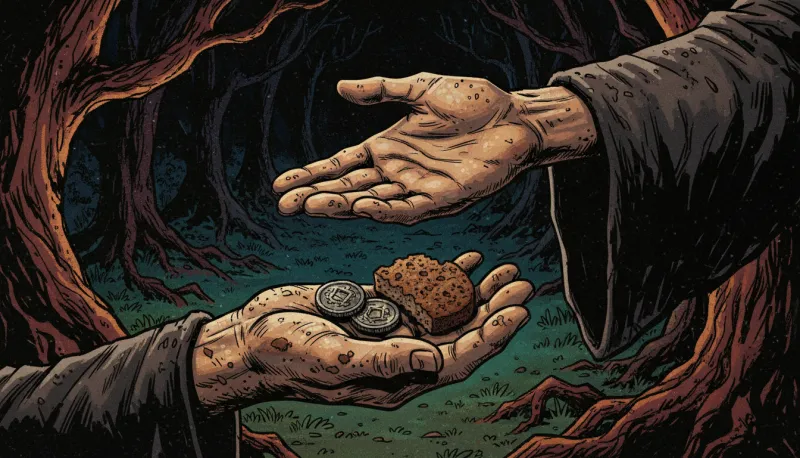
Village legends, curses, stories told by the stove. Dirty Comics gives every frame heavy ink and deep shadow. Keep the witch, the widow and the child on character sheets: viewers will meet them again next week.
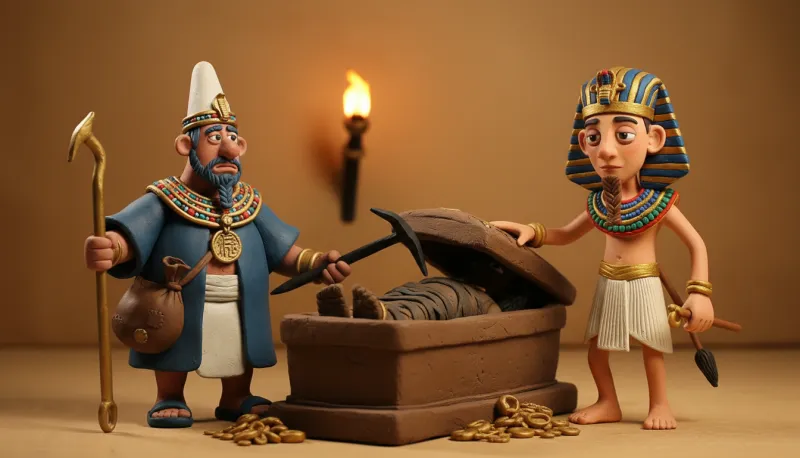
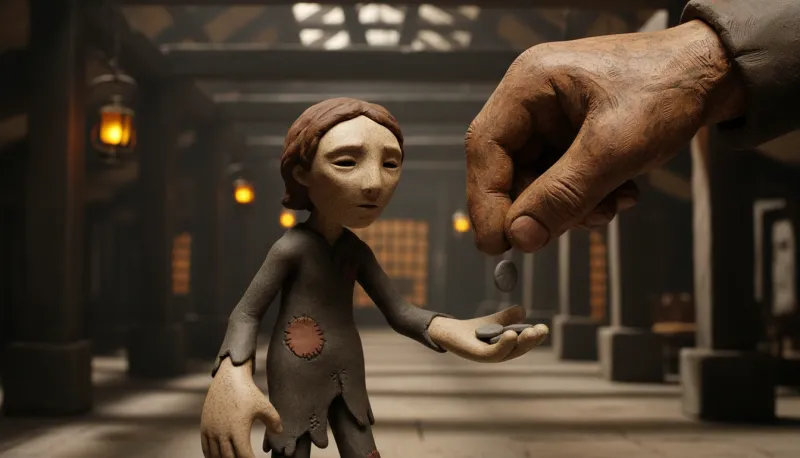
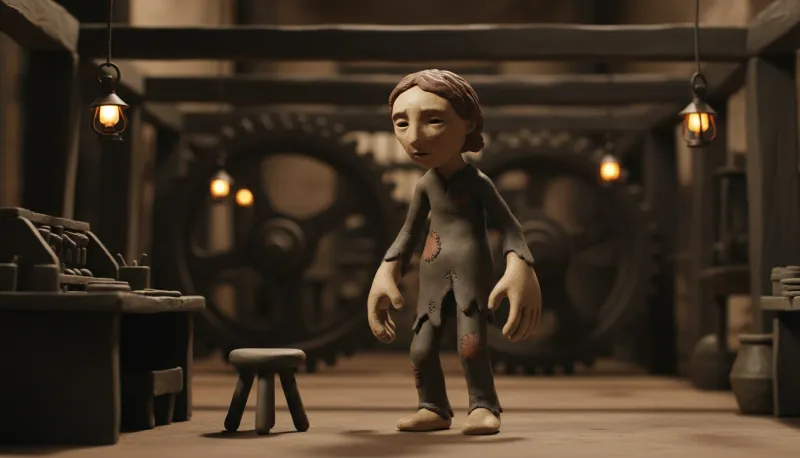
Ancient Egypt, factories full of gears, the fate of one working boy. Claymation turns a history lesson into something a family watches together; Oil Painting and Sketch suit biographies. For narration without a fixed cast, Illustration mode draws each paragraph straight from the text and is the fastest.
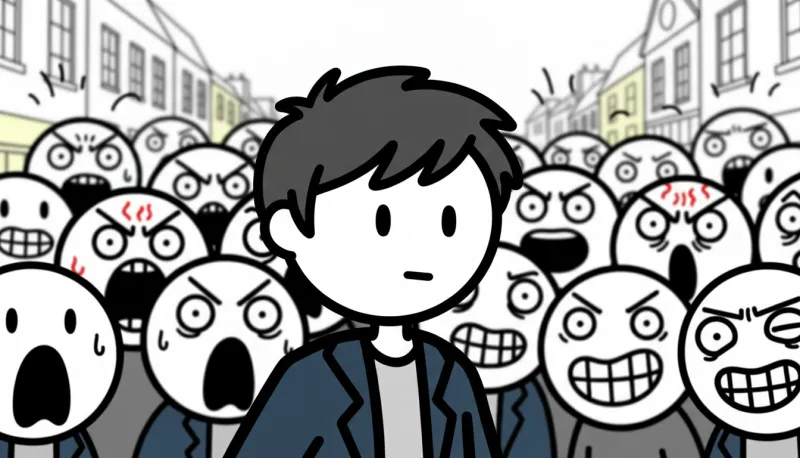
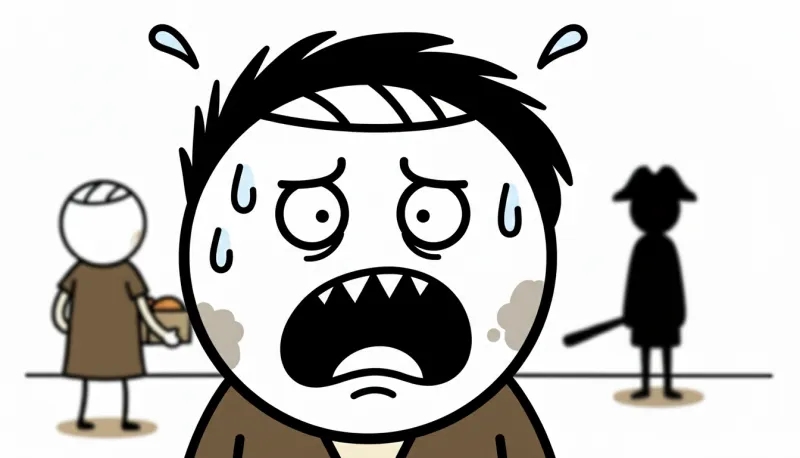
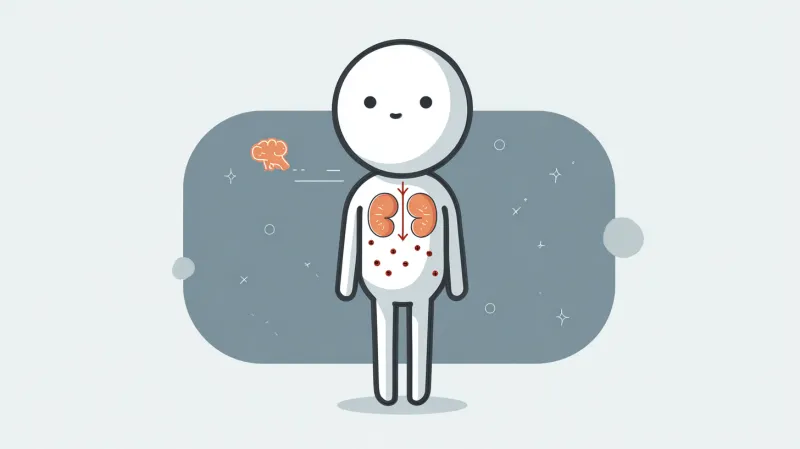
Why we put things off, how compound interest works, what stress does to the body. Stickman and Vector minimalism leave room for the voice, and a recurring stick-figure host gives the channel a face that isn't yours.
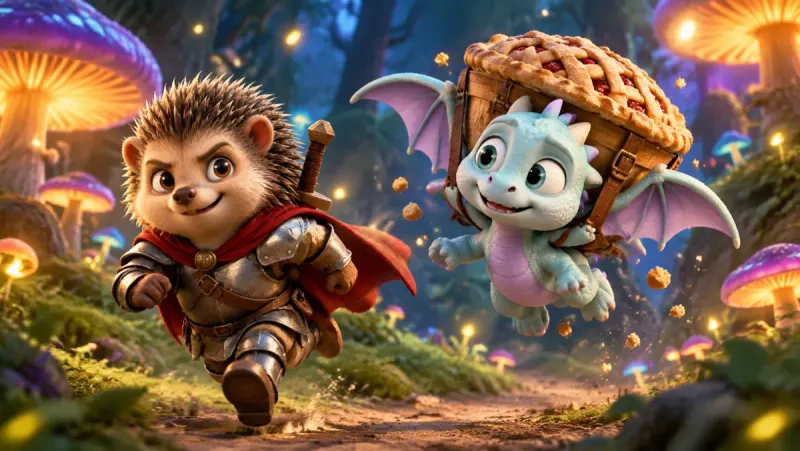
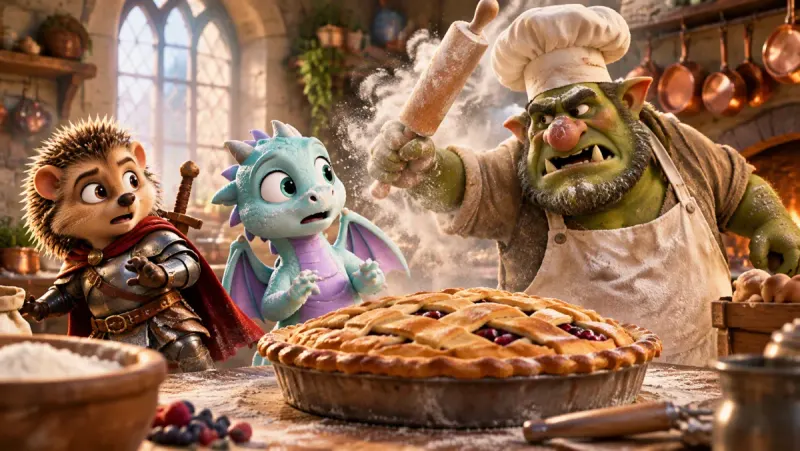
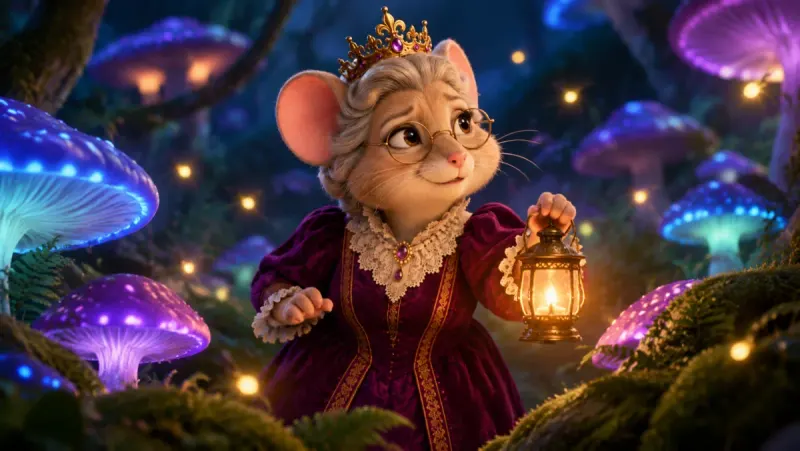
Bedtime stories and animal adventures with the same heroes in every episode. A warm 3D look, Characters mode and the Cinematic camera preset mix wide shots with close-ups the way children's films do. Children notice when a hero's cape changes colour; the character sheet keeps it red.
A channel is a set of decisions that stay put while the stories change. Make them on the first episode and reuse them on every one after it.
This is a working week on the Studio plan, where images, animation, voiceover and export are unlimited. The order matters more than the days.
Start in Trends: which videos in your niche are gaining views per day right now, which topics keep coming back. Look for an angle you can tell better or differently, not a title to copy.
Write them the way they should sound: the narrator's lines, who else speaks, where the scene changes. Insaga takes plain text, from a page to a whole book, and splits it into scenes itself. Writing two or three scripts in one sitting makes the rest of the week easier.
Paste a script into a new project with the channel's saved style, mode and camera preset. If the episode continues a series, bring the recurring characters back by uploading their pictures from the previous one. Then run the autopilot, which takes the story through frames, animation, voiceover and the timeline to an exported MP4 in one go, or work stage by stage if you want to check each one. An account runs two story generations at once, so the next episode can start while the first is still working.
Watch the episode from start to finish. A frame misses: redraw just that frame. The motion is off: animate the clip again. One line sounds wrong: re-record only that line. Check the automatic subtitles and add your music.
The autopilot does not make thumbnails. Open the cover generator, start from one of its 79 templates, give it a picture of your recurring character as the reference and add a headline.
Export an MP4 in 1080p or 4K, in 16:9, without an Insaga watermark (vertical 9:16 for Shorts is coming soon). Upload it in YouTube Studio, write the title and description, schedule it, and go back to step one.
The honest answer depends on you. On Studio nothing in the pipeline is counted, and two stories can generate at the same time. What remains is the human part: a script worth listening to and a careful look at the result. However many of those you can do well is your weekly output.
Scripts set the schedule. If you post twice a week, you need two scripts a week with a new story or a new angle. Keep a backlog of topics from Trends and write in batches.
Don't skip the review. The autopilot gets an episode all the way to an exported file, but whether it is ready to publish is your call. Channels that last are the ones where someone watches every episode before it goes out.
A long episode costs the same. Studio counts neither minutes nor frames: a long history episode takes longer to generate than a short explainer, but it does not cost more.
The pictures in an episode don't depend on the language of the narration. That makes a second channel for another audience far less work than the first one.
In the voiceover step, translate the script into any of 27 languages, up to three at a time, and pick a voice in that language for each translated track. The frames and clips stay as they are. The Spanish or Portuguese version gets its own voice track, subtitles made from it, a cut under the new narration and a thumbnail with a headline in that language.
Before it is voiced, have someone who speaks the language read the translated script. A script that sounds translated loses viewers fast, and this is the cheapest moment to fix it.
Many faceless tools build a video from stock footage matched to the script, or put an AI presenter on screen. Both are quick and suit some channels. Here is how they differ from a channel built in Insaga.
| Insaga | Typical stock-and-avatar generator | |
|---|---|---|
| Where the frames come from | Drawn for each moment of your script, in the channel's style | Stock clips and photos matched to the words, or an AI presenter talking to camera |
| Recurring characters | Designed once on character sheets and kept in every episode | Stock has no recurring cast; an avatar gives you one presenter |
| Voices | A channel narrator plus a voice for each character, from 6,000+ | Usually one voiceover, or the presenter's voice |
| Editing | A timeline assembled to the narration: subtitles in 31 styles, transitions, camera moves, your music | Automatic assembly, then editing tools that vary from service to service |
| The channel's look | 100+ styles or your own, the same on every episode | Whatever footage matched each line |
| Episode length | Set by your script: long texts are split into scenes, and if one doesn't fit, the limit is raised for your account | Often counted in video minutes per month on the plan |
| Best fit | Stories, history, explainers and kids' tales with characters | News, real places, products and presenter-led videos |
Tools of this kind vary a lot and update often; check what each one offers today.
Under Insaga's Terms you may use what you make commercially. Whether a channel earns from ads is YouTube's decision, made under the rules of the YouTube Partner Program.
The rule to know. On 15 July 2025 YouTube renamed its “repetitious content” policy to “inauthentic content” and clarified that it covers content that is repetitive or mass-produced. Among the examples YouTube will not monetize: videos with minimal variation from one to the next; templated storylines and image slideshows with little or no narrative; characters put in the same situation over and over with the same outcome; and AI-generated videos made from generic templates that give the impression of mass production. The full text is in YouTube's channel monetization policies.
What it means for a faceless channel. The rule is about the content, not the tool. In its list of what can be monetized, YouTube names a series that follows the same characters across episodes, as long as each video has a distinct storyline, focus or concept. That is exactly how a good story channel works: the cast recurs, the story is new every time.
How to stay on the right side of it. Write your scripts yourself, or rewrite them until the angle and the facts are yours. Give each episode a new story, not new wrapping on an old one. Keep a recurring cast and a narrator voice that belong to the channel. In the review, cut frames that are only there to fill time. None of this guarantees monetization, but it is what the rule asks for.
A channel where the creator never appears on camera: the video is a voice over pictures, animation or footage. In Insaga the pictures are drawn for your script with a recurring cast, so the channel has characters without needing a presenter.
No. YouTube's monetization policies list a series that follows the same characters across episodes as allowed, provided each video has a distinct storyline, focus or concept. The problem is not recurring characters but identical stories.
The ones that run on storytelling: true crime, horror and folklore, history and biographies, psychology and money, kids' fairy tales, top-10 lists of places and buildings. Less suited: news, product reviews and anything where viewers expect real footage of real events, because here the frames are drawn, not filmed.
No. Every frame is drawn for your script, which is what gives you recurring characters and scenes no library has. There is no talking-head avatar in the studio: characters speak in voiceover, and on-screen lip sync is in early access. Your own clips, images and logo can go on the timeline.
Yes, and it is the part that matters most. Insaga starts from your text and turns it into scenes, frames and a voiced cut. A script you wrote is also what makes the channel original in YouTube's eyes.
Yes. New accounts start with 100 free credits, given once and with no card: enough to design the cast and draw the frames of a pilot episode in the style you picked and see how the channel would look. To animate, voice and export the episode you need a paid plan; Studio makes images and animation unlimited.
No. You export an MP4 and upload it in YouTube Studio, where you also write the title and description and schedule the release.
Paste the first script and see the channel's look and cast before you commit. It starts with 100 free credits, and no card.
Works in the browser. No install.
YouTube and YouTube Studio are trademarks of Google LLC. Insaga is an independent product and is not affiliated with, endorsed or sponsored by YouTube or Google. Monetization decisions are made by YouTube under its own policies; the policy described on this page follows YouTube Help as of September 2026 and may change. The frames on this page were made in Insaga.