
AI animation styles
Kurzgesagt-style animation from a science script
This style draws in flat vector shapes with no outlines, bright glowing color and characters reduced to two dots and a rounded body: the look that science channels like Kurzgesagt made familiar. Insaga is not affiliated with Kurzgesagt; the name only tells you what to expect. Paste an explainer about space, the body or the economy, and each idea becomes a clean, layered scene.
100 free credits · no card
How the flat vector look is built
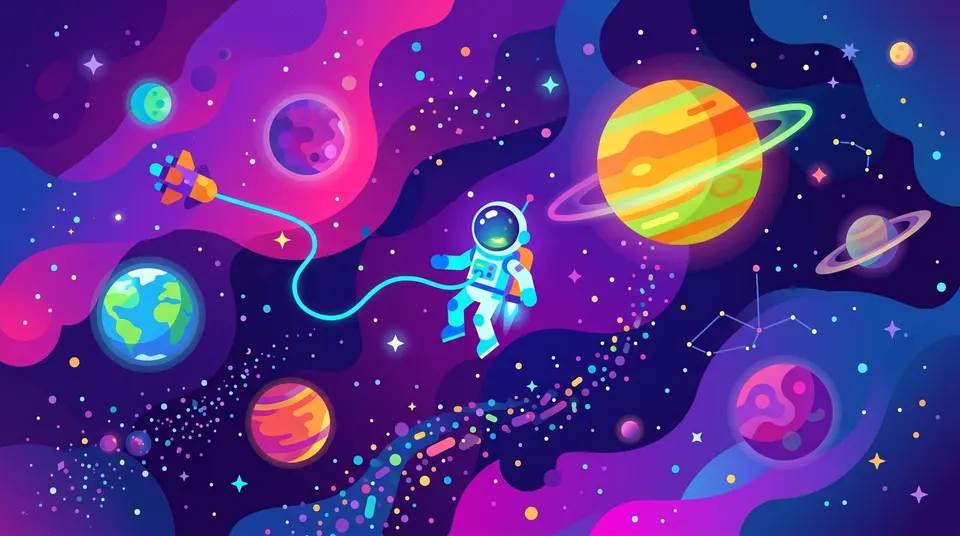
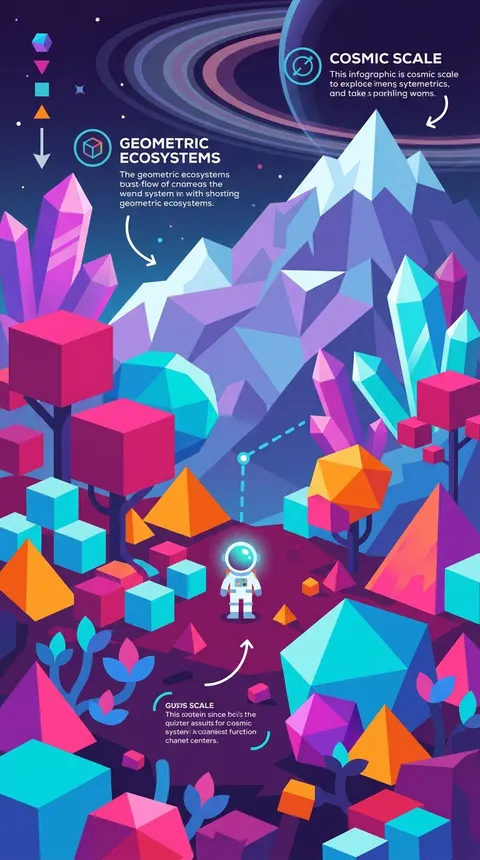
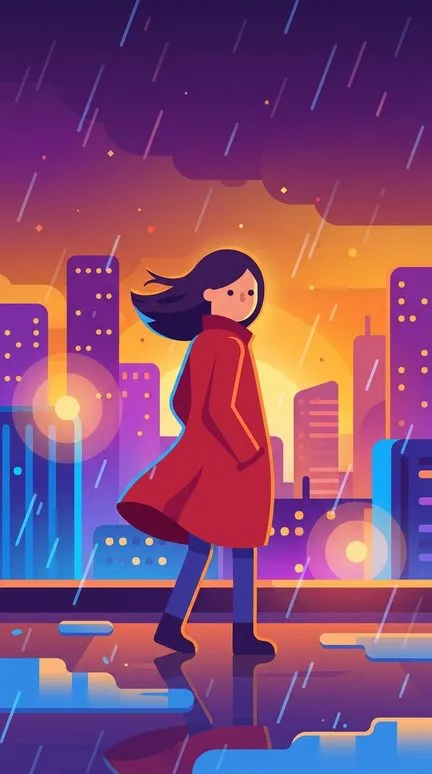
There are no outlines. Every form ends where one color meets another, built from perfect circles, rounded rectangles and smooth curves. A scene uses six to eight bold colors, electric blue, orange, purple, cyan, hot pink, lime and yellow, in lighter and darker variants. Fills are flat, with a soft gradient only where depth needs one, and there is no texture, grain or brush mark anywhere.
Light is drawn as glow: radial halos around lamps and stars, a thin rim of light along a character's edge, particles hanging in the air. Scenes are stacked from flat layers, darker and cooler at the back, brighter and warmer in front, which is what makes a slow camera move feel like parallax. Characters are geometric: an oval or rectangle for a body, two dot eyes, no nose, no fingers. Compositions leave plenty of empty space, as an infographic does. The style avoids hand-drawn lines, textures, realistic anatomy and anything that looks like traditional art.
Explainers that suit the flat vector look
- Space and scale
- How big is a black hole, how long would it take to walk to the Moon. Planets, stars and one tiny astronaut are made of exactly the shapes this style is built from.
- Biology and the human body
- What your kidneys do all day, how a vaccine trains the immune system. A cell becomes a round room, an organ a friendly shape, and complicated anatomy stays readable.
- Systems and economics
- Inflation, supply chains, how a city gets its water. Abstract ideas turn into flows of little shapes, arrows of color and simple figures standing in for millions of people.
- Big what-ifs
- What would happen if the Sun went out, could there be life under Europa's ice. Hypotheticals need imagination more than realism, and the glowing palette makes them feel like a journey.
A health explainer from a story made in Insaga
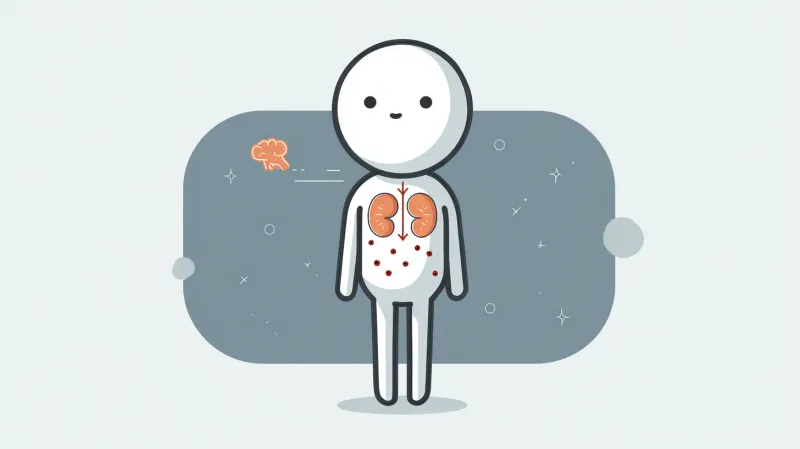
A frame from a story in this look: a round-headed figure with its kidneys drawn on its body and a small brain floating beside it. It is calmer than the frames above, muted grey and coral instead of glowing purple, and shows how far the flat approach can be toned down for a health or money topic.
From explainer script to Kurzgesagt-style video
What to set in Insaga for a science video.
Paste the narration
Write it the way you will read it, one idea per paragraph. Insaga splits the text into scenes along the narration, so each idea gets its own picture.
Pick the style and the right mode
Choose Kurzgesagt Style in the “Choose a style for your story” window. For an explainer without a host, Illustration mode is the fastest: each scene is illustrated straight from the text, and Nano Banana Pro is available there. If a small mascot guides the viewer, use Characters mode so it keeps its shape.
Go wide for scale
The Panoramic camera preset favors wide and extra-wide shots, which is what space, landscapes and anything about scale need. Check each frame and redraw any that miss the idea.
Add the voice and the motion
On paid plans pick a narrator from 6,000+ voices, add subtitles and slow camera moves over the layered scenes, then export in 1080p or 4K. On Studio the frames also come alive as clips of about eight seconds.
Kurzgesagt Style, 2D Animation, Quirky Minimalist or Stickman
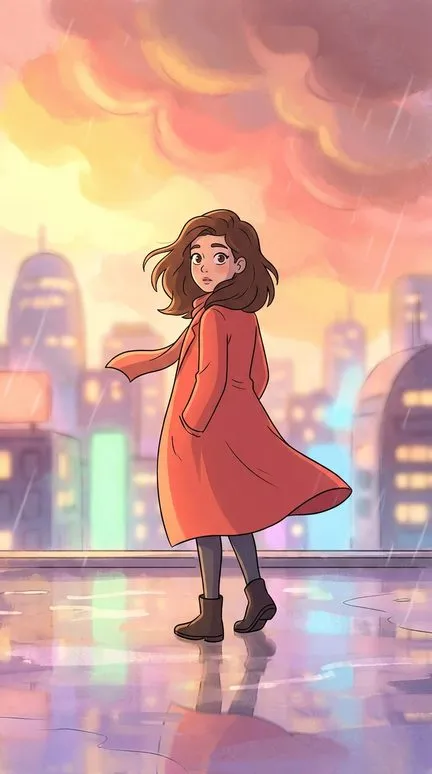
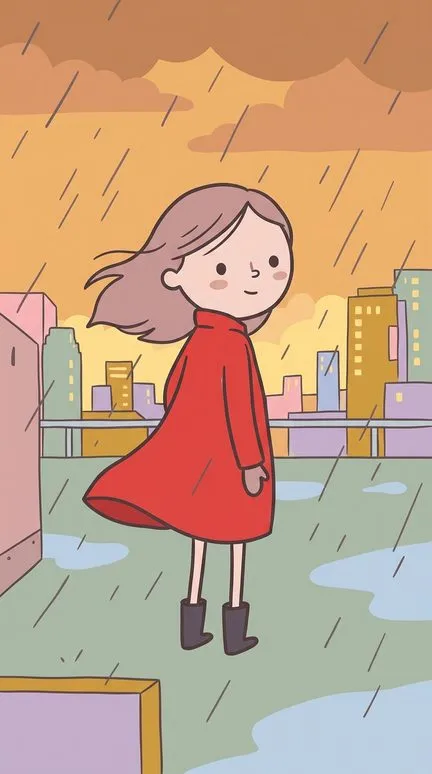
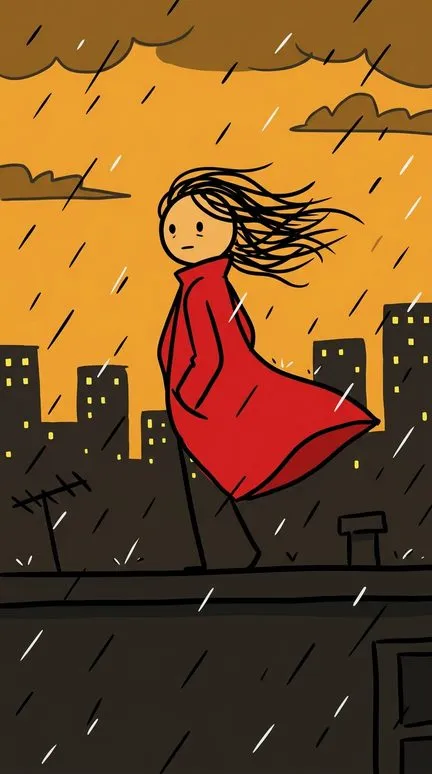
Below, the heroine in four styles. 2D Animation brings back outlines, shading and big expressive eyes: better when the story is about a character's feelings. Quirky Minimalist is just as simple but hand-drawn, with wobbly brown lines, muted pastels and no glow at all. Stickman keeps only black marker lines and huge reactions, for comedy. Kurzgesagt Style is the one that explains: no lines, glowing color and scenes that feel like a diagram you can walk into.
Writing a script the style can show
Translate every idea into shapes. “The immune system recognizes a virus” is hard to draw; “a round white guard checks the spiky visitor's pass at a gate” is easy. Give scale a reference point, a person next to a planet or a bus next to a whale, because flat design has no texture to hint at size.
Keep words and numbers out of the picture. Image models draw letters unreliably: the labels on the tall frame above are made-up text, and exact figures on a chart will not survive. Say the numbers in the narration and let automatic subtitles carry them on screen.
Where it falls short: drama, faces full of emotion, portraits of real people and historical scenes that need period detail. Two dots and no nose cannot play a grieving king. For people-first stories, choose 2D Animation.
Questions about this style
Is this the official Kurzgesagt style?
No. Insaga is not affiliated with Kurzgesagt; the name describes the flat vector look their videos made famous. Their birds and other characters belong to them, and the studio will not draw them, so design a mascot of your own.
Can it make charts and diagrams with real data?
It draws diagram-like scenes well, but not exact data: numbers, axis labels and captions come out garbled or invented. Use the frame for the shape of the idea and put the real figures in the narration and subtitles.
Do I need a recurring character?
No. Many explainers work without one, and Illustration mode draws each scene straight from the text, the fastest way through a long script. If you want a guide, such as a small astronaut, use Characters mode so it looks the same in every scene.
Will the glow and the layers move?
Scenes are drawn as flat layers, so the slow zooms and pans among the editor's 12 camera moves already read as depth. On the Studio plan each frame also becomes an animated clip of about eight seconds.
Can I use my brand colors instead of the default palette?
Build a custom style from your own reference images, on the Director plan and up. It is saved and works like a built-in style on every new project, so a whole channel can share one palette. See plans.
Keep going
Explain something big
Paste your science script and pick Kurzgesagt Style. Start with 100 free credits, no card.