
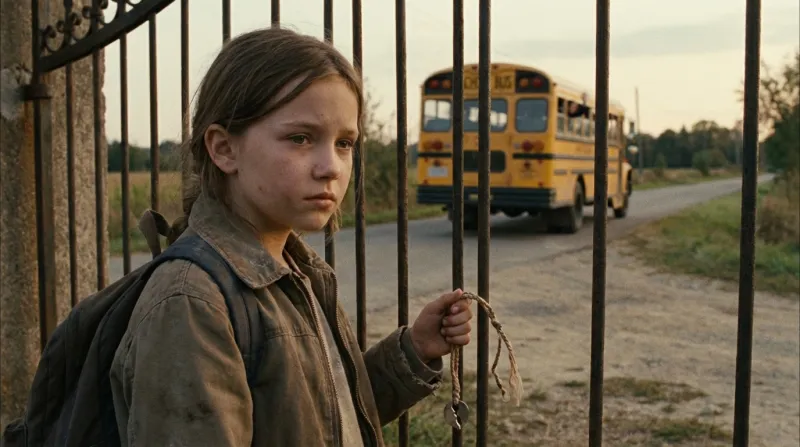
Cinematic realism
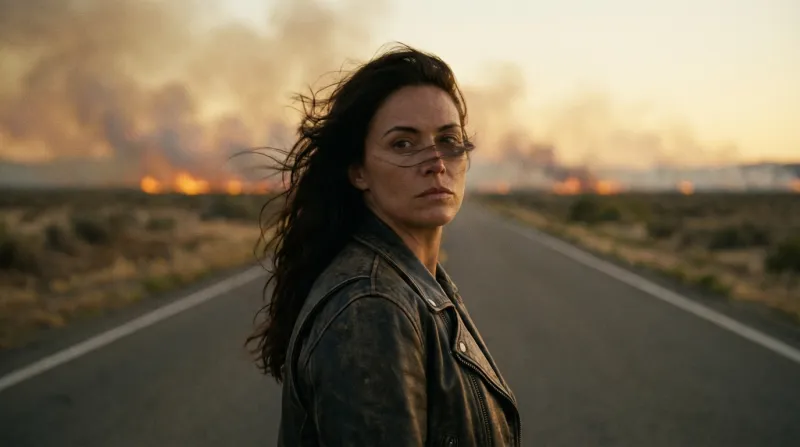
Faces, weather and light that should pass for live action.
Veo 3 · Veo 3.1 in Insaga
Veo turns a still frame into about eight seconds of motion. Insaga hands it the frames: your story is drawn first, scene by scene, with the same characters in every frame, and on the Studio plan each frame becomes a Veo clip. Voices, music and subtitles go on afterwards, on the timeline, so what you export is one edited film rather than a folder of clips. On Studio and Studio Max, animation uses no credits.
Free start: 100 credits for frames, no card · Veo animation on Studio


Veo 3 is the video model from Google DeepMind. Google announced it at I/O on 20 May 2025, and the headline was sound made together with the picture: traffic on a city street, birds in a park, even dialogue between characters, with the lips in sync. The same day Google opened Flow, its filmmaking tool built around Veo.
Veo 3.1 followed on 15 October 2025, with richer audio, more narrative control, more lifelike textures and better results when a clip starts from an image. Flow gained three tools with it: Ingredients to Video, where reference images steer the characters, objects and style; Frames to Video, where you give a start image and an end image and the clip bridges them; and Extend, which carries a clip on into a shot of a minute or more. In January 2026 Google added native vertical 9:16 and upscaling to 1080p and 4K.
The unit is an eight-second clip. In Google's Gemini API, Veo 3.1 makes clips of 4, 6 or 8 seconds in 16:9 or 9:16, generates the sound itself and comes in standard, Fast and Lite versions. The API has no free tier for Veo and bills every second of video. Google also marks every Veo video with SynthID, an invisible watermark that identifies AI-generated content.
In Insaga you don't pick a Veo version. The studio chooses a route for every clip, in this order, and moves on to the next when a route is full or keeps timing out.
| What animates the clip | When it is used | |
|---|---|---|
| Main route | Google Veo, running in Google Flow | First choice for every clip |
| Backup routes | Veo 3.1, reached two other ways | When the main route is full or keeps timing out |
| Last resort | Another video model, not Veo | Only when every Veo route is busy at the same moment, so your queue keeps moving |
A route that times out several times within a few minutes is set aside for a few minutes, then tried again. Google keeps updating Veo, so versions and routes can change; the studio does not promise a particular one, and neither does this page.
Veo does its best work from a good first frame and a clear idea of what should move. Insaga prepares both before a single clip is made.
Anything from a page to a whole book. Choose one of 100+ styles and the Characters mode, which gives every recurring hero a reference sheet. The style is settled here, in the drawing, and each clip starts out in it.
Every character and every place gets a sheet before any scene is drawn. If you already have a picture of your hero, upload it on their sheet. A face you approve at this step is the face in every clip that follows.
Each frame is drawn by Nano Banana 2 or GPT Image 2.5, working from the sheets of the people in that scene and the place where it happens. Look through the frames, redraw the weak ones or correct one with a sentence. A frame is quick to change; a clip built on a bad frame is not worth making.

Animate one frame or queue many at once. While it read your story, the studio already wrote a motion prompt for each frame: what moves and where the camera goes. For different motion, type your own prompt for that clip. The Seamless option starts a clip where the previous clip ended, so two shots join without a jump.
Give every character a voice, add a narrator, your music and automatic subtitles, and trim or stretch the clips to the narration on the timeline. The export is an MP4 file, 16:9 or 2.35:1, at 720p, 1080p or 4K, with no Insaga watermark. On Studio the autopilot can run the whole chain, animation included, in one go.
Describe the same character in ten Veo prompts and you can get ten slightly different people: a prompt describes someone, and the model draws that description afresh each time. Google's own answer is to bring images, references or start frames, and keep track of them yourself. Insaga draws those images for you, from the same sheets, before any clip exists.
| Veo on its own | Veo in Insaga | |
|---|---|---|
| What a clip starts from | A text prompt, or images you bring: a start and end frame, or up to three references | A frame already drawn from your scene, with the cast in it |
| Keeping a hero the same | You carry the references or frames from clip to clip | Every clip opens on a frame drawn from the same character sheets |
| Who writes the prompts | You, one per clip | The studio, from the scene; you can rewrite any clip's prompt |
| Sound | Generated with the picture: effects, ambience, speech | Voices, narration, music and subtitles on the timeline |
| Length | Clips of up to 8 seconds; Extend continues a shot in Flow | About 8 seconds per frame, cut into an episode as long as your story |
| Shape | 16:9 or 9:16 | 16:9; vertical 9:16 is coming soon |
| What you end up with | Clips to edit somewhere else | An edited, voiced video |
The first column summarises Google's Veo 3.1 announcement, its January 2026 update and the Gemini API documentation, checked on 27 September 2026.
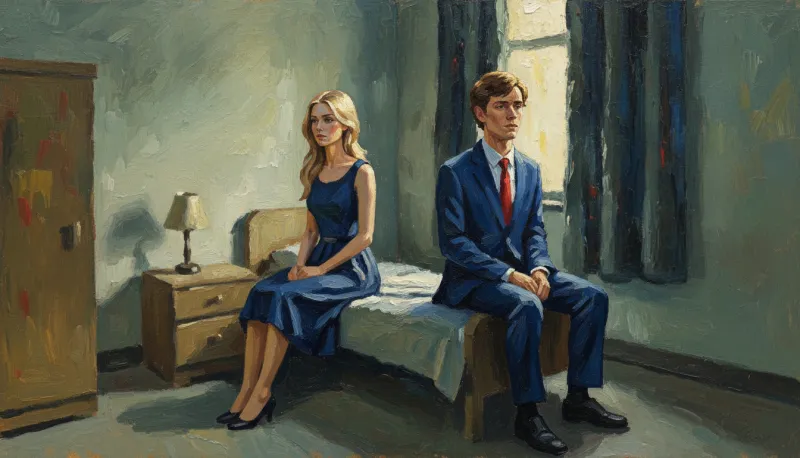
Two frames from one story made in Insaga, painted in oil: the same woman in the same blue dress, first alone and then beside a young man in a blue suit. A clip started from either frame opens on her, because the frame is where it begins.

Veo can speak for your characters, and inside one clip that is impressive. Across a story it gets in the way. A line voiced inside a clip is baked into it: new wording, a new language or a different voice means a new clip, and nothing guarantees the hero sounds the same in clip twelve as in clip three.
So Insaga splits the jobs. Veo does the motion: the studio asks it not to voice any dialogue and to keep the sound down to a quiet background, which you can leave under the narration or mute. Voices are picked from more than 6,000, one per character for the whole story, with a narrator on top. Rewrite a line after the cut and only that line is voiced again; the picture stays as it is.
It also makes a second language cheap. Translate the script into one of 27 languages, voice it again and lay it over the same clips for an audience in another country, without animating anything twice.
Lips moving in time with the lines on screen are still in early access in Insaga, opening to more accounts step by step.
Watch it the way a viewer would: half a minute of one story, four recurring characters, a single narration and a single edit, all made in Insaga. It is here to show what a finished story looks like. Its shots are not labelled by the video model that animated them.
A clip begins on its frame, so it begins in the style you chose for the story. Four frames from different stories made in Insaga:
Faces, weather and light that should pass for live action.
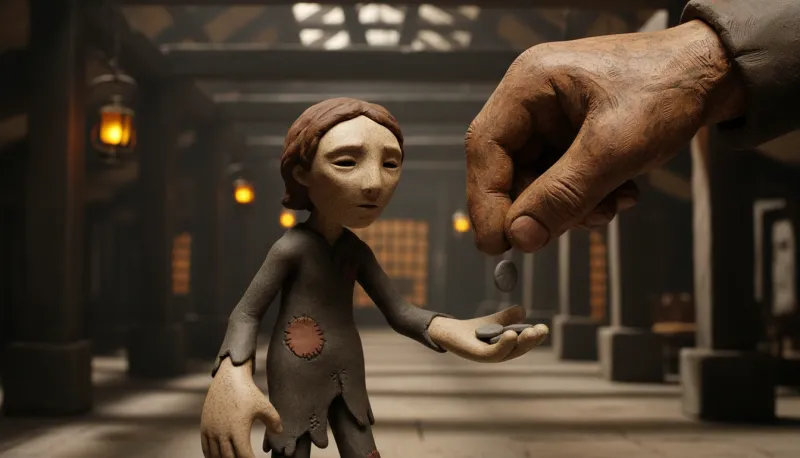
Clay figures on a model set, for fables and quiet, strange stories.
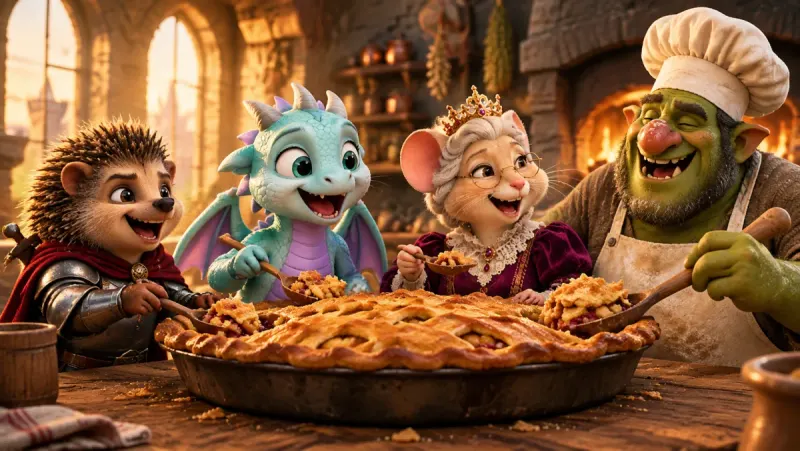
A warm animated-film look for family stories, with a cast of four in one frame.
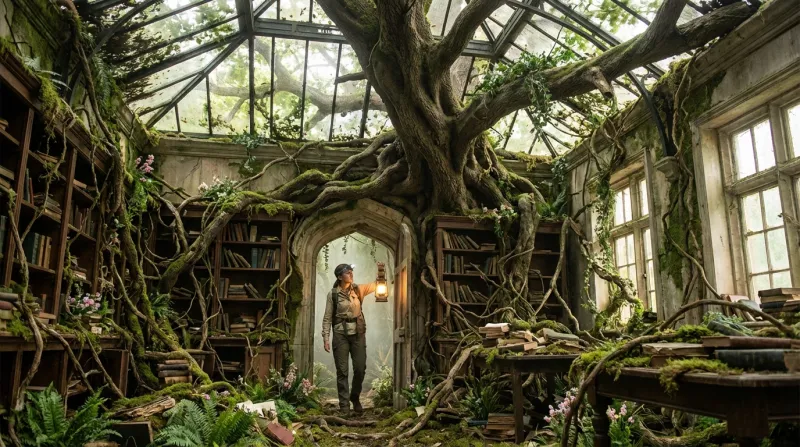
Detailed sets full of things that can move: light, leaves, dust.
Search for Veo 3 free or Veo 3 unlimited and the results fill up with sites that promise both, plus YouTube tutorials. Keep one fact in mind: in Google's own API every second of Veo video is billed, and there is no free tier. Somebody pays for each clip, so a promise of free and unlimited deserves a close look.
Here is what Insaga offers. A new account opens with 100 free credits and needs no card; right now they go on frames, meaning your characters and scenes, not on animation. Veo animation comes with the Studio plan, and on Studio and Studio Max it uses no credits, with no cap per clip or per month. Studio does set a pace, through ceilings on parallel generations and on the length of the animation queue.
And if you are looking for a Veo 3 alternative because Flow's credits run out halfway through a story, Insaga is not a different model. It is Veo inside a studio that breaks the story into scenes, holds the cast and finishes the film.
Not the animation. Every new account starts with 100 credits, given once and without a card, and right now they are spent on frames: one credit per image, so up to 100 frames of your story. Veo animation starts on the Studio plan. That way you see your cast and your first scenes before you pay for anything.
Clips use no credits on Studio and Studio Max, so you can animate a frame again as often as you like. There is still a pace: a set number of generations run at once, and the animation queue takes a set number of clips at a time. Other plans do not include animation. Current plans are on the pricing page.
The studio decides, clip by clip. The main route is Veo running in Google Flow, the backups are Veo 3.1 reached by two other routes, and if every Veo route is busy at once, a clip can be made by another, non-Veo model so the queue keeps moving. You can't pin a version, and we don't promise one.
Not Veo's voices or music. The studio asks Veo not to voice dialogue and to keep the sound to a quiet background, which you can keep or mute on the timeline. Voices (more than 6,000 to choose from), narration, your music and subtitles are added in the edit, so every character keeps one voice for the whole story. Lip sync on screen is still in early access.
About eight seconds, one clip per frame. A longer video is made of more frames: a story of sixty frames gives you sixty clips, which the timeline cuts into one video. You can trim a clip or stretch it to fit the narration.
Not yet. Clips are animated in 16:9; exports come out in 16:9 or 2.35:1. Vertical 9:16, for Shorts, TikTok and Reels, is coming soon.
Yes. The Insaga Terms include a licence to use what you make commercially, and exports carry no Insaga watermark. Google marks every Veo video with SynthID, an invisible watermark that software can read to tell the video was made with AI; it does not show in the picture.
Not an arbitrary picture sent straight to Veo: in Insaga every clip starts from a frame drawn in the studio from your scene. What you can bring is your character. Upload a picture of them on their character sheet and the studio builds the character from it, so every frame, and every clip, starts from that hero. To change a frame itself, redraw it or describe the change in a sentence before you animate.
Paste a story and meet your cast on the free start: 100 credits, no card. When the frames look right, Studio turns every one of them into a Veo clip.
Works in the browser. No install.
Insaga is an independent product and is not affiliated with, endorsed or sponsored by Google or OpenAI. Veo, Flow, Gemini, Nano Banana and Google are trademarks of Google LLC, and GPT Image is an OpenAI product; the names are used only to say which models Insaga works with. Facts about Veo come from Google's public announcements and documentation, checked on 27 September 2026. Every frame shown here was made in Insaga, and the film is not labelled by the model that animated it.