
AI voiceover for video
AI voiceover for videos, with a voice for every character
Most AI voiceover tools read one block of text in one voice. A story needs more: a narrator, a girl who talks fast, an old captain who takes his time, a robot who sounds like neither of them. Insaga splits your script into lines, hands each line to the character who says it, gives every role its own voice from 6,000+ and lays the recording under the picture on the timeline.
100 free credits · no card

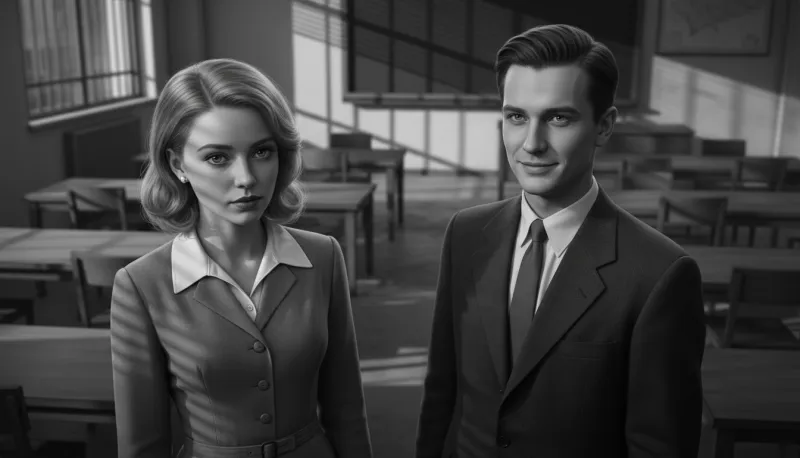
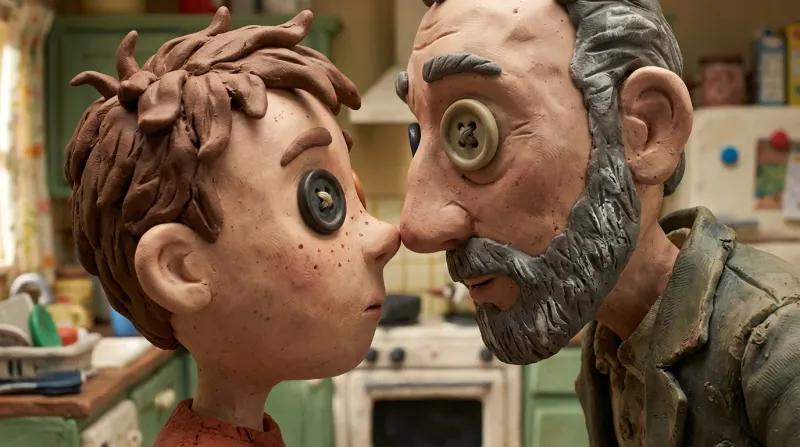

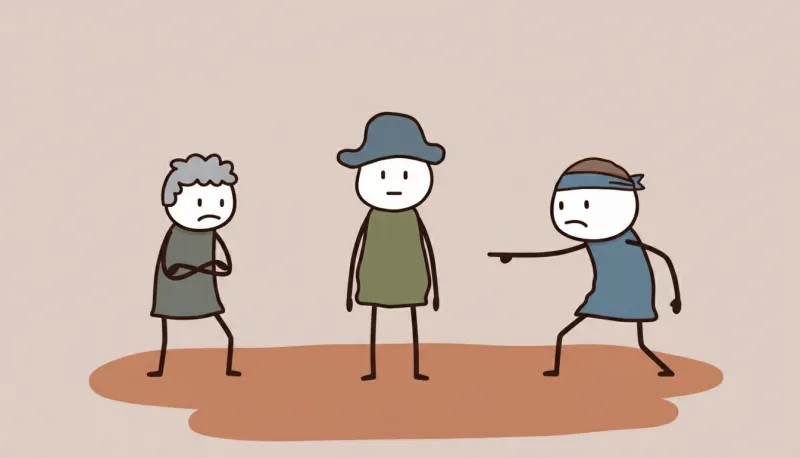
How a script becomes a cast of voices
The voice tab starts from the text of your project, the same story the frames were drawn from, or from any text you paste. It has two modes: Single Voice, where one voice reads everything, and Character Voices, where the text is cast like a radio play. This is the second one, step by step.
Split the text into speakers
Press Analyze Characters in Text. Insaga reads the script and divides it into lines: speech goes to whoever says it, everything else to the narrator. The characters you met while the story was drawn appear in the list with their pictures and the number of lines each one has, so you cast faces you already know rather than names in a table. The split uses no credits.
Fix who says what
Open Lines & roles to see the whole script coloured by speaker. Click a line, or drag across part of one, and choose who says it. A character the split missed can be added by name, neighbouring lines can be merged, every change can be undone, and one button takes you back to the automatic split. One text holds up to 64 speakers.
Cast the narrator first, then everyone else
The narrator is the base voice: any character you leave without a voice of their own is read by the narrator, so the recording never has a hole in it. Then open each character's voice list: switch between male and female voices, narrow the list by language, search by name and press play to hear a voice before you pick it. Star the ones you like and add a note such as “Captain, season one”. Favourites and notes are saved to your account.
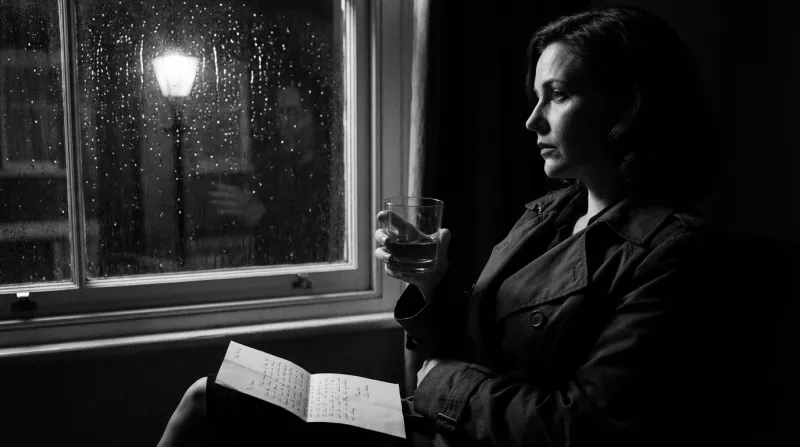
A scene where nobody talks belongs to the narrator: a letter, a memory, the rain. Record, then fix one line at a time
Every character is recorded on a track of their own, even one who ended up without a voice. Listen through. If a role is wrong, click the character and re-record everything they say with another voice. If one line is off, click that fragment on the track and regenerate only it, in the same voice or a different one, up to five times per fragment. The rest of the recording stays exactly where it was.
Put the voice under the picture
Make as many takes as you like and tick the one that goes to the edit. In the editor, Assemble transcribes the recording and lays the scene clips out along it, so each scene is on screen while its lines are heard. Subtitles come from the same transcription, word by word, in any of 31 styles. The voiceover also downloads as an audio file if you cut the video somewhere else.
Four characters who should never sound alike
The frames below belong to one anime story made in Insaga. The cast: a girl who flies, the robot who flies with her, a captain who has seen too many storms and a whale that lives in the clouds. Nobody would confuse them on screen. By ear they need the same care, so write each of them a short voice brief before you open the list.
The cast and a brief for each voice
 Pilot: young, quick
 Robot: clipped, odd
 Captain: low, unhurried
 Whale: no lines, the narrator speaks
Scenes where they talk
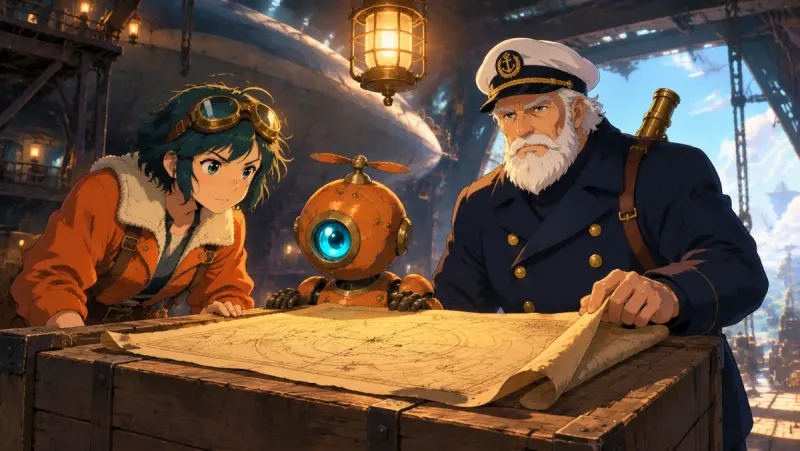
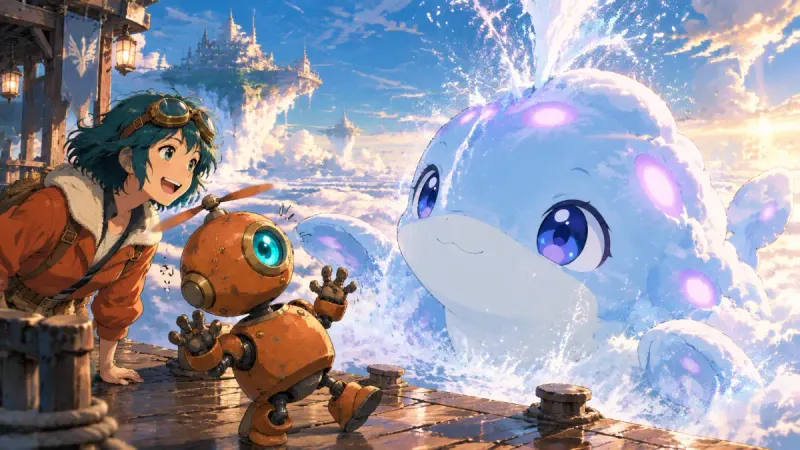
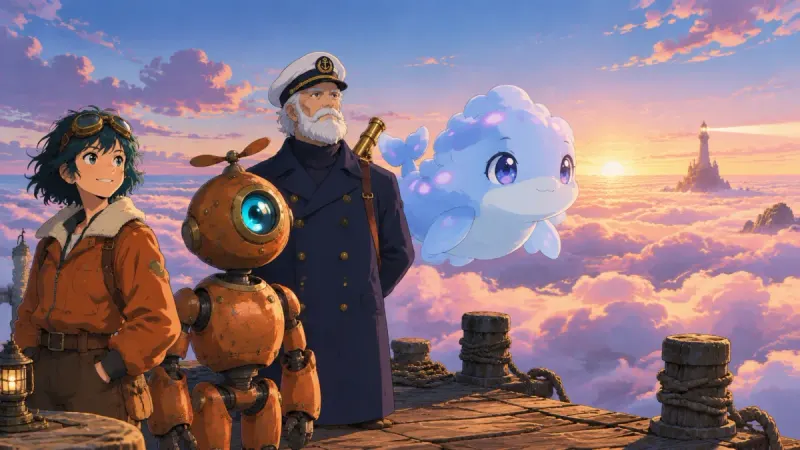
A rule of thumb: when two characters share a scene, make them differ in at least two of three things, age, pitch and pace. The pilot and the captain differ in all three. Two sisters of the same age need a different pace at the very least, or the viewer loses track of who is talking the moment the camera looks away.
Casting voices that last a whole video
Judge a voice on your line, not on its sample. The play button in the list plays the voice's own sample, and a voice that sounds warm there can turn flat on a line of angry dialogue. Star three candidates, voice the scene and swap the role that does not work. Changing one role re-records only that role.
Give the narrator the calmest voice. In most stories the narrator carries most of the text, and the viewer will spend ten minutes with that voice. Choose it for comfort, not for drama, and save the striking voices for characters who speak in short bursts.
Match the voice to the language of the text. Voices are tagged with the languages they speak. A voice picked for its sound but not tagged for your language may read the text with someone else's accent. Filter by language first, then choose by ear.
Write for the ear. Numbers, abbreviations and brackets are hard to say aloud. If it matters how “2026” or “e.g.” should sound, spell it out in words the way you want it heard.
Keep a series sounding like itself. Voices are chosen in each project, so a returning character needs the same voice picked again. The notes on your starred voices turn that into a ten-second job: the voice itself says whose it is.
What else the voice tab does
- 6,000+ voices
- Men and women, young and old, in dozens of languages. Search by name or go through the list page by page.
- Speed and pauses
- Voice settings set the pace anywhere from half speed to double and add pauses between phrases, so a thriller can hurry and a bedtime story can breathe.
- Your own recording
- Recorded the narration yourself? Upload it as WAV, MP3, M4A or AAC, up to 50 MB. The editor transcribes it and cuts the scenes to it the same way it does with an AI voice.
- A download when you need one
- The finished voiceover downloads as an audio file, so you can use it in another editor.
- No credits for preparation
- Splitting a script into speakers and translating it use no credits. Only the voicing itself is paid.
- Unlimited on Studio
- Voiceover is on paid plans. Studio and Studio Max include it without limits, together with images, animation and export.
The same story, voiced in another language
Before anything is voiced, the Translate tab can turn the script into up to three of 27 languages at once, among them Spanish, Portuguese, German, Hindi, Japanese and Korean. Translation uses no credits. Each language gets a box of its own: read it, correct it or paste your own version, and the text in the box is what gets voiced.
Every language track has its own voice. The list for a track shows the voices tagged for that language first, so a Spanish track is read by a Spanish speaker, not by an English voice doing an accent. The tracks are voiced as separate jobs, next to the original.
The pictures do not depend on the language. The new track goes under the same scenes, and the subtitles transcribed from it come out in its language. One story can feed a second channel for another country without a single new frame or clip.
The Insaga voice tab compared with a standalone text-to-speech tool
| Insaga | Typical text-to-speech tool | |
|---|---|---|
| What you paste | A story with a narrator and characters | A block of text for one voice |
| Dialogue | Lines split by speaker for you; you correct the split | You cut the text into pieces and voice them one by one |
| Voices in one recording | One narrator and a separate voice per character, up to 64 speakers | Usually one voice per generation |
| One bad line | Click the fragment and regenerate only that line | Regenerate the file or cut it in an audio editor |
| Picture | Scenes are cut to the recording on the timeline | An audio file you line up with the video yourself |
| Subtitles | Transcribed from the same recording, 31 styles | A separate step or a separate tool |
A general comparison: text-to-speech services differ, and some of them also offer projects with several speakers. Insaga does not replace a dedicated audio studio. It is built to voice a story that already has pictures.
Stories that need more than one voice
Fairy tales and bedtime stories. The narrator reads the storybook lines, and the fox, the grandmother and the wolf each get a voice of their own. A small listener knows who is talking without looking at the screen.
Horror, mystery and true stories. One steady narrator, and short lines from a witness, a voice on the phone, someone behind a door. The contrast is what makes the quiet parts frightening.
Explainers for two voices. A host who explains and a sceptic who interrupts with the question the viewer is about to ask. Two voices keep a ten-minute explainer from turning into a lecture.
Web novels and fan fiction. Chapters made almost entirely of dialogue come alive when each character is cast once and sounds the same from the first chapter to the last, the way an audio drama is cast.
Questions about AI voiceover
Is AI voiceover in Insaga free?
Not on the free start. A new account gets 100 credits once, with no card, and they are spent on pictures: the characters and the frames of your story. Splitting a script into speakers and translating it use no credits, but voicing it needs a paid plan. Studio and Studio Max include voiceover without limits.
How many different voices can one video have?
A narrator plus as many characters as the text has speakers, up to 64 in one text. In practice a listener keeps three to six voices apart comfortably, so it is often better to give minor characters to the narrator.
Can I use my own voice?
Yes, as a recording. Read the narration yourself and upload it as WAV, MP3, M4A or AAC, up to 50 MB. The editor treats it like any other voiceover: it transcribes it, cuts the scenes to it and makes the subtitles from it.
Can I make a voice slower or faster?
Yes. Voice settings change the pace from half speed to double and add pauses between phrases. The manner of speaking, though, comes from the voice itself more than from any slider: for a calm role, pick a calm voice instead of slowing down an excited one.
What if the AI reads one line wrong?
Click that fragment on the finished track and regenerate it alone, in the same voice or another one. Each fragment can be redone up to five times within 90 days of the recording, and the rest of the voiceover does not change. If a whole role is wrong, click the character and re-record everything they say.
Which languages can the voiceover be in?
Voices are tagged with the languages they speak, and the language filter leaves only those that speak yours. If the script is written in one language and the video should be in another, translate it in the voice tab first: 27 languages, up to three at a time, with no credits spent on the translation.
Does the voiceover come with subtitles?
The editor makes them from the recording itself: it is transcribed word by word, and the captions follow the voice in any of 31 styles. Because they come from the audio, they match what is actually said, whether it is a translated track or your own recording.
Keep exploring
Paste a scene with dialogue and cast it
Start with the story and its characters on 100 free credits, no card needed. The voices come in on a paid plan, once the pictures are ready.
Works in the browser. No install.