
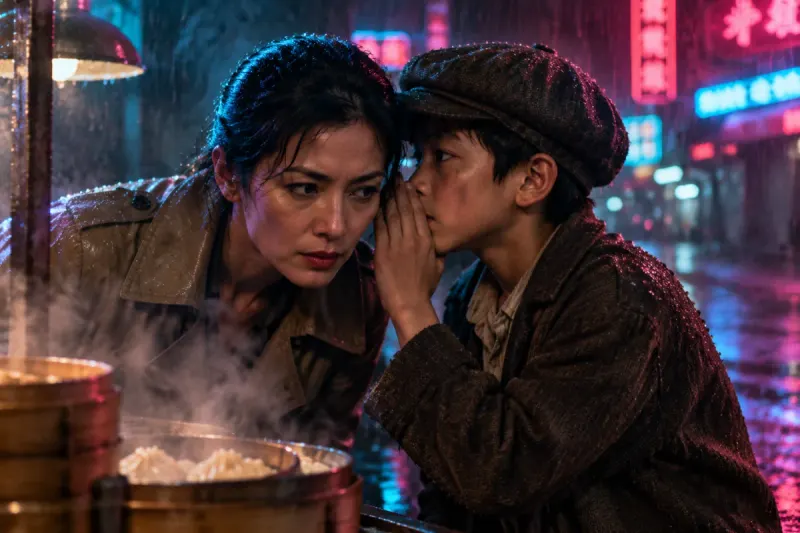
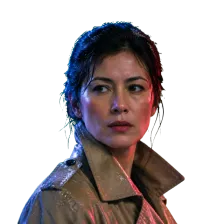
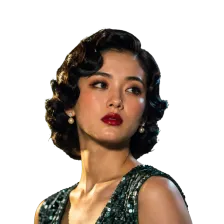
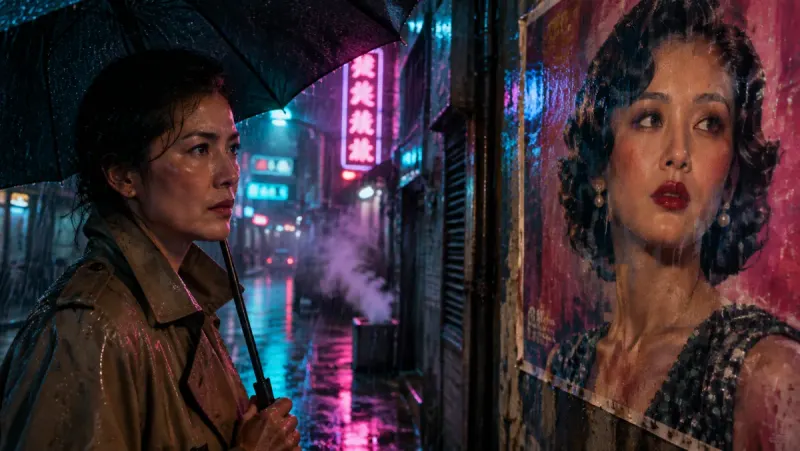
Noir thriller, live-action look
A detective, a missing singer and a boy who knows too much, shot like a rainy neon crime film.
AI movie generator
Paste a script, a story or a few chapters of a book. Insaga breaks it into scenes, casts the characters once and draws every shot with the same faces, then voices, scores and edits the film in one studio.
100 free credits · no card
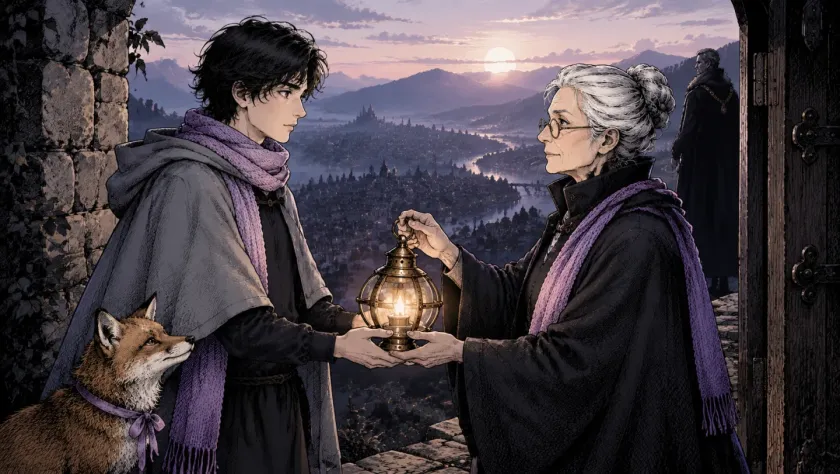
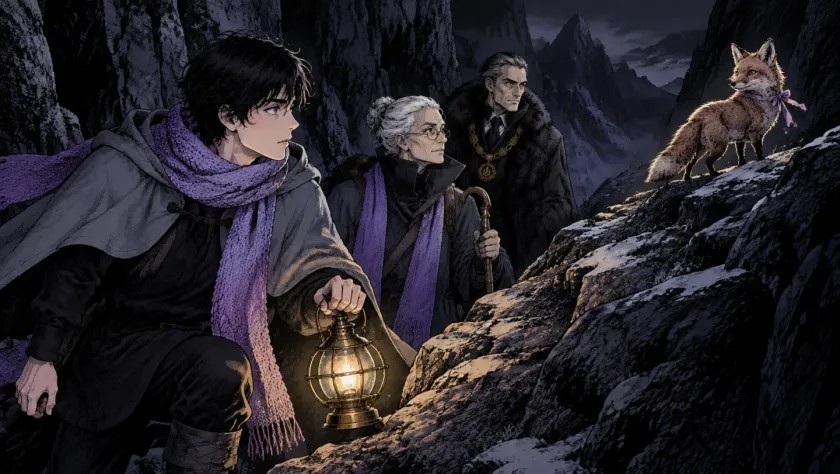
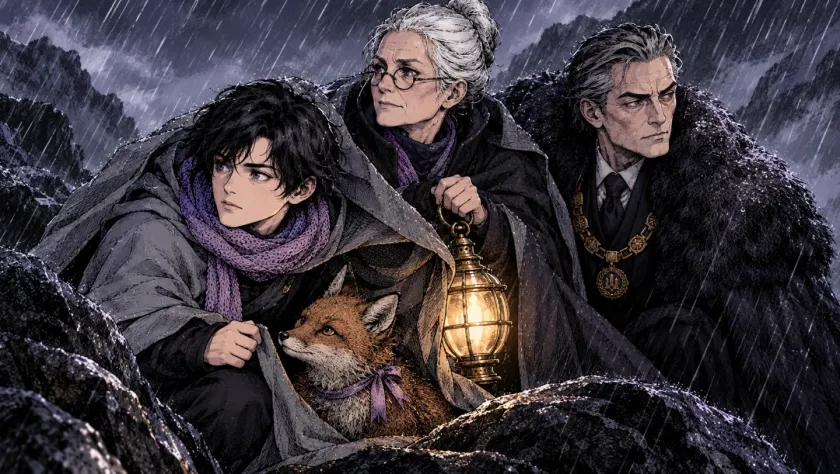
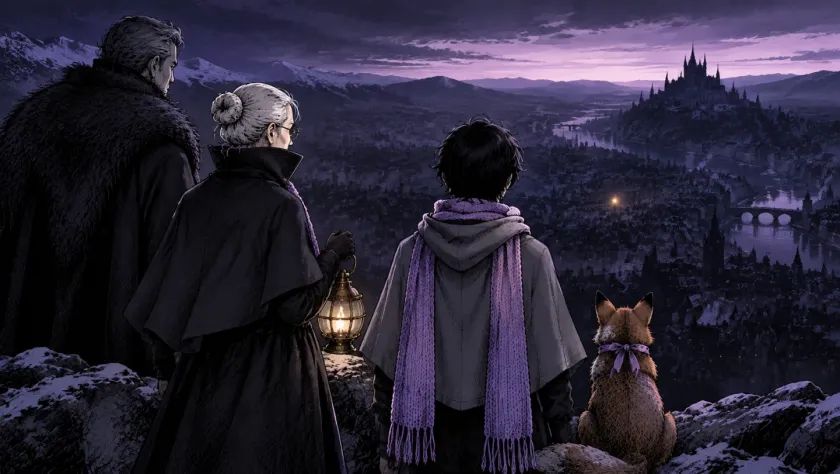
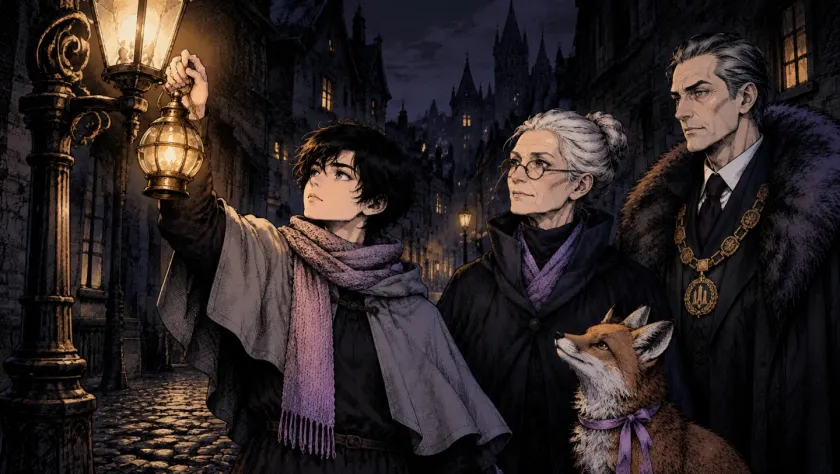
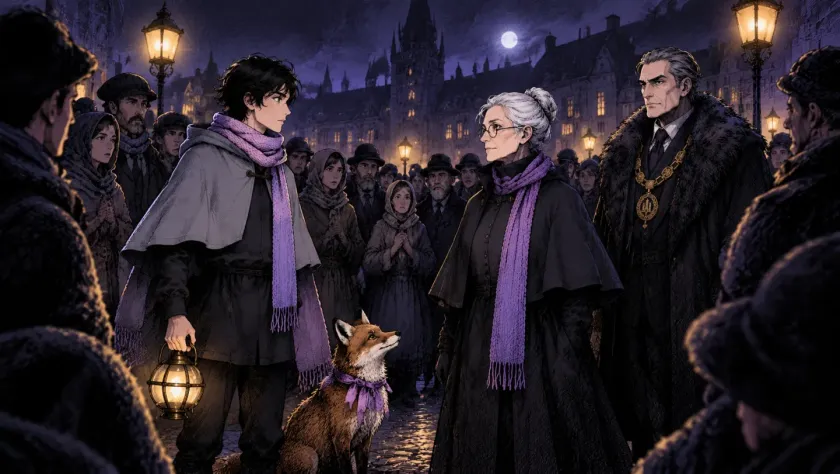
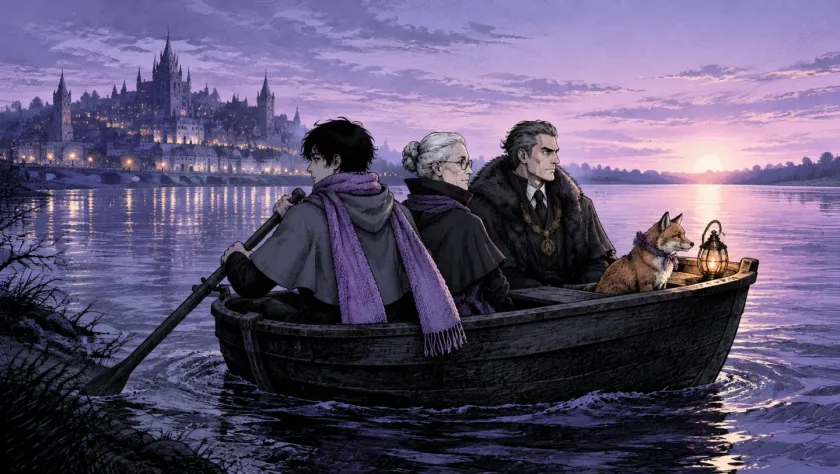
Thirty-three seconds from a short story: a lamplighter, a traveller, a mayor and a fox, drawn, animated, voiced and cut in one studio.
An AI movie is more than a string of pretty clips. It needs a story that holds together, characters who stay themselves, a voice for every role and an edit. Insaga does each of these in order.
A page, a screenplay or a whole novel. Insaga reads the text, splits it into scenes and works out who is in each one and where it takes place.
Every character gets a reference sheet and every place gets a look before a single shot is drawn. You can change anyone or anything here, once, instead of fixing it in every frame later.
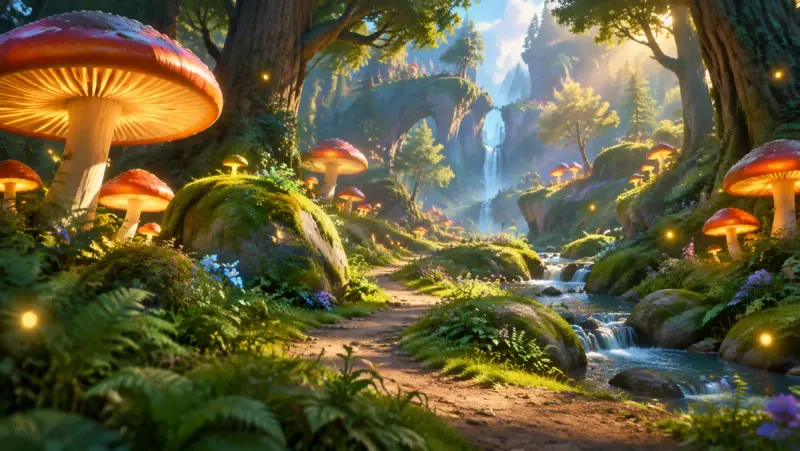
Insaga draws each shot from the script with the same cast, in the style you chose, then animates the frames into video clips. Change a shot and only that shot is redrawn.
Give every character a voice of their own or use one narrator, add your music and automatic subtitles and cut it all on the timeline. Export a finished film in up to 4K.
These frames come from one short film made in Insaga: a young traveller carries a lamplighter's last lantern across the mountains to a city that has gone dark. Nobody described the fox again in every prompt. The cast was set up once and held from the first scene to the last.
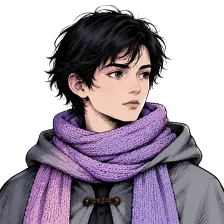 The traveller
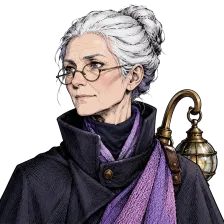 The lamplighter
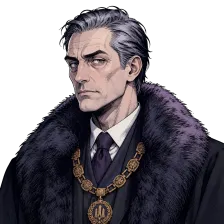 The mayor
 The fox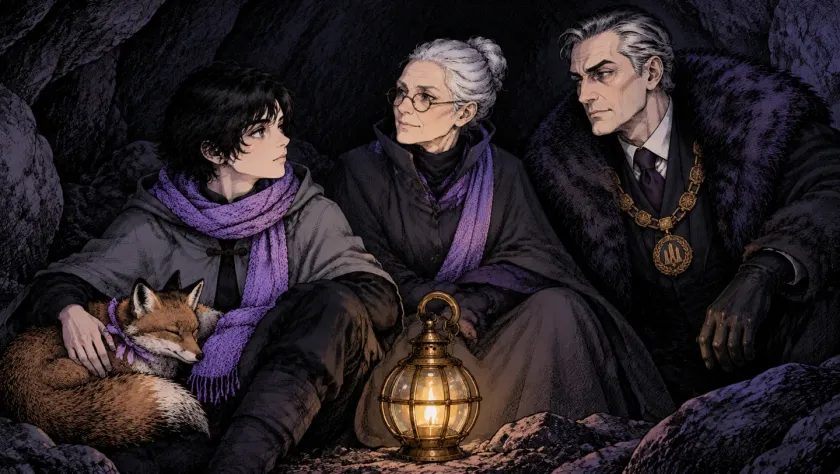
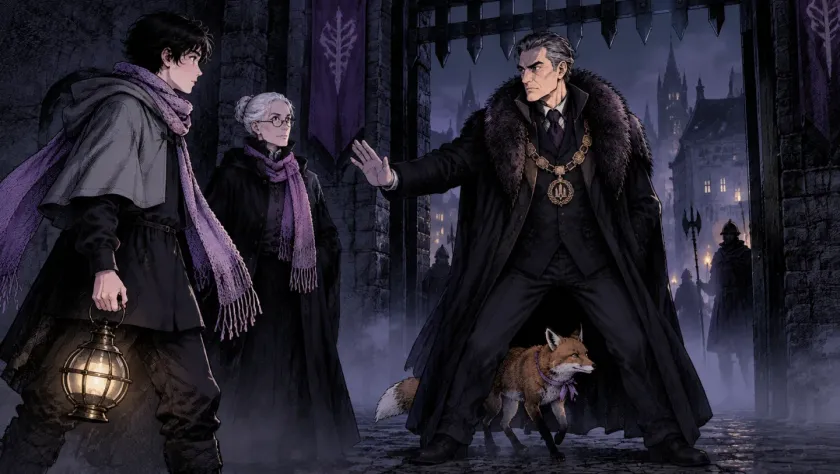
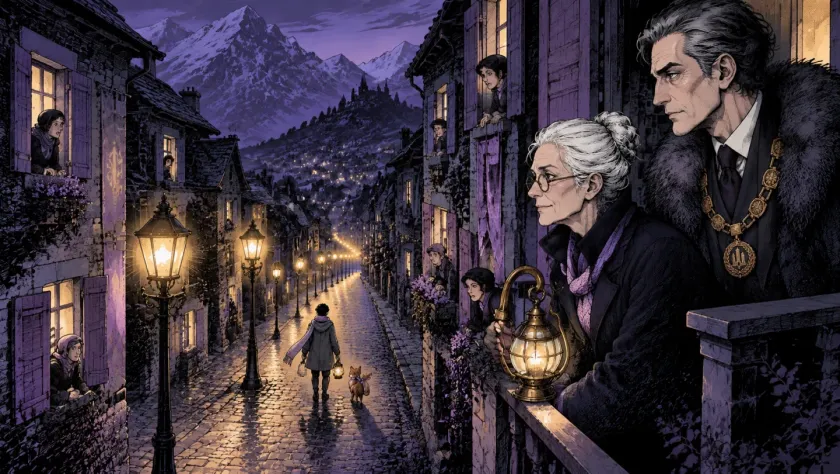
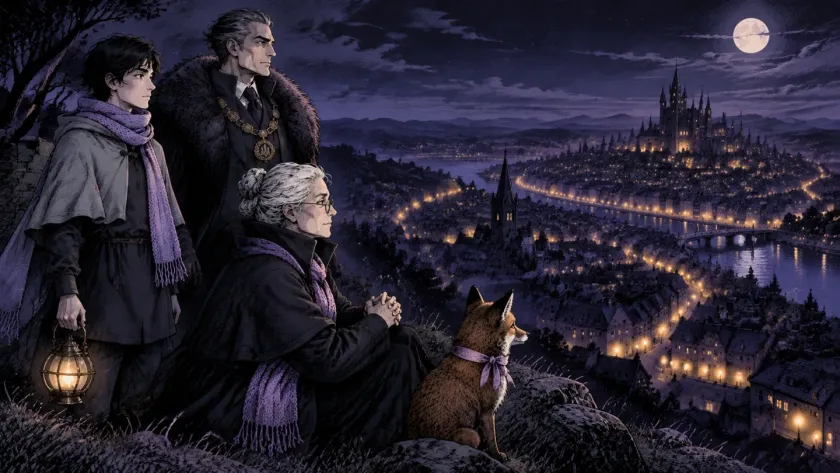
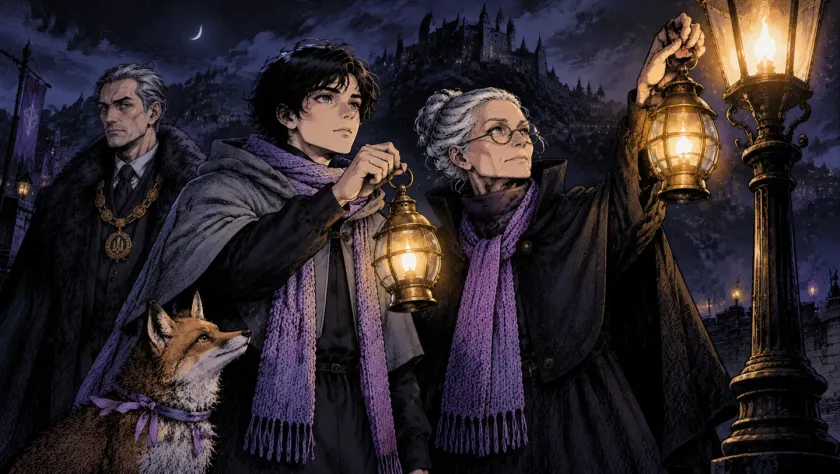
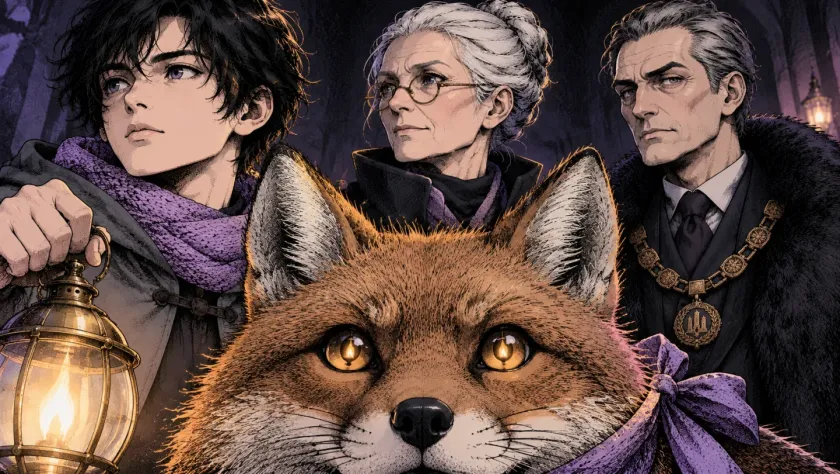
The same scarf, the same glasses, the same chain of office and the same ribbon on the fox, in a storm, in a cave and in a crowded square. That is the difference between an AI movie and a playlist of unrelated clips.
Pick one of 100+ styles, from cinematic and noir to manga and claymation, or build your own style from reference images. The cast and the story stay the same; only the look changes.
A detective, a missing singer and a boy who knows too much, shot like a rainy neon crime film.
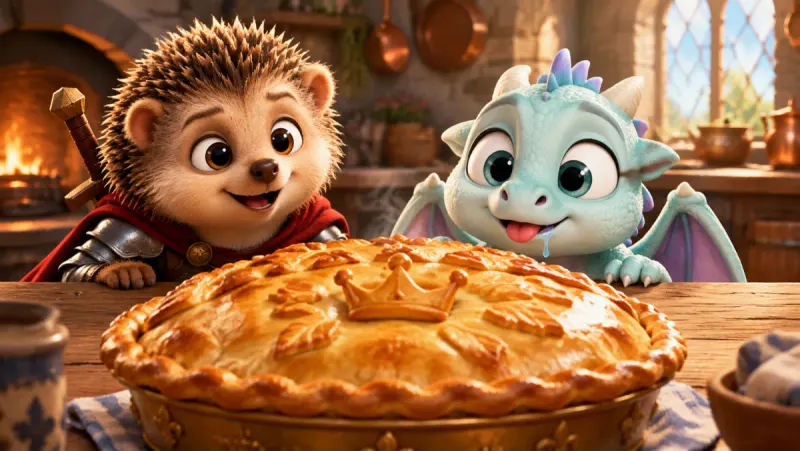
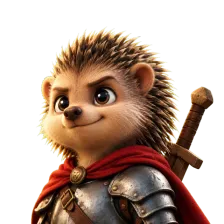
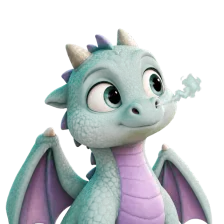
A hedgehog knight and a baby dragon in a warm 3D look for the whole family.
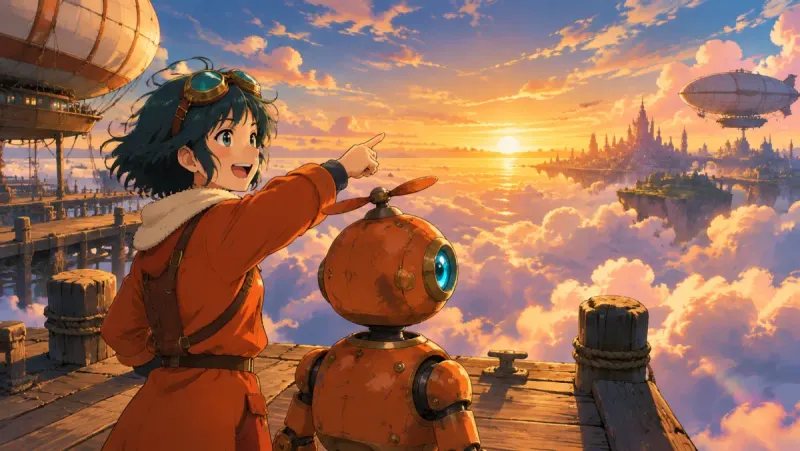
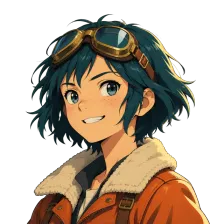
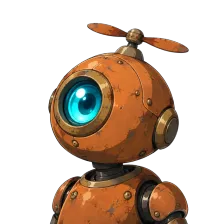
A young pilot and her robot above a city of airships, in an anime look.
| Insaga | Typical clip generator | |
|---|---|---|
| What you give it | A whole script, story or book | One prompt per clip |
| Characters | Set up once, kept in every shot | Described or referenced again in each clip |
| Story structure | Scenes and shots planned from your text | You plan and order every shot yourself |
| Voice | A voice per character, plus a narrator | Usually none, or a separate tool |
| Editing | Built-in timeline, subtitles, your music, export | Export clips and edit elsewhere |
| What you get | A finished film | A folder of clips |
A general comparison: tools differ and change quickly. For side-by-side pages on specific tools, see Higgsfield, Runway, Kling AI and LTX Studio.
Story channels on YouTube. Horror, history, fairy tales and true stories need a new episode every week and the same narrator every time. A script goes in on Monday and a voiced, edited episode comes out, with the channel's recurring characters looking exactly as viewers remember them.
Writers and screenwriters. Turn a short story into a short film, a novel's first chapter into a trailer, or a pitch into a proof of concept that shows the world and the cast instead of describing them.
Filmmakers without a crew. Previsualise a feature scene by scene, test a look before a shoot, or finish a short that could never have a budget for locations and actors.
Teachers and brands. Explain a historical event through characters, or tell a product story as a short film rather than a slideshow.
You can start free: a new account gets 100 credits once, with no card, which is enough to cast a story and draw its first scenes. Animation, voiceover and export are on paid plans; on the Studio plan images and animation are unlimited.
That is what Insaga is built for. Each character is designed once as a reference and reused in every shot, so faces, clothes and details stay consistent from the first scene to the last.
Yes. Paste a long script or a whole book and Insaga splits it into scenes on its own; if a very long text does not fit into one project, we raise the limit for your account. Many creators still release a book as a series of episodes; heroes come back by uploading their character pictures from the earlier episode.
Both. Every shot is drawn first so you can approve it, then animated into a video clip of about eight seconds (on the Studio plan). The clips are cut together on the timeline with voices, music and subtitles into one film.
Every character can have their own voice for dialogue and narration. On-screen lip sync is in early access and is being rolled out gradually.
100+ styles, including cinematic, realism, noir, manga, comics, claymation, watercolour and oil painting, plus your own style built from reference images on the Director and Studio plans.
Those tools are strong at single clips from a prompt. Insaga starts from the whole script and keeps the cast, the voices and the edit together, so the result is a finished film rather than clips to assemble elsewhere.
Start with a scene or a whole story. Your first 100 credits are free, and you do not need a card.
Works in the browser. No install.