
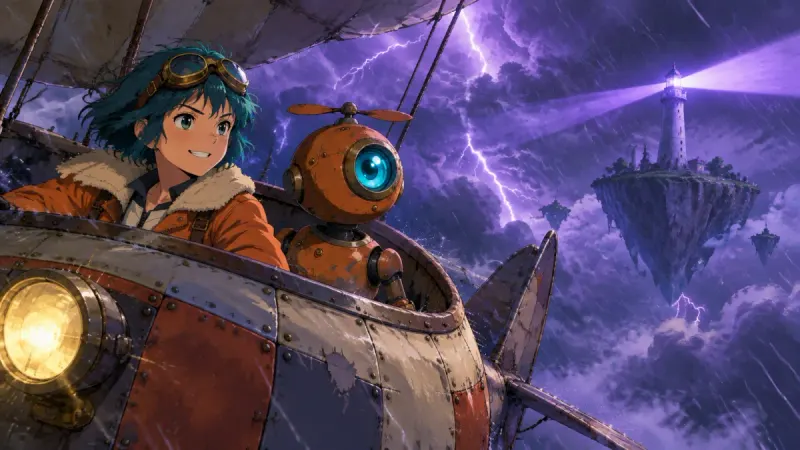
A series with a recurring cast
Episodes with the same heroes, week after week. You design the cast once per story and bring it back in the next episode by uploading the characters' pictures. Your schedule sets how many episodes you make.
Unlimited generation on Studio
On the Studio and Studio Max plans, Insaga keeps no count of what goes into a video: frames on Nano Banana 2, Nano Banana Pro and GPT Image 2.5, their animation on Google Veo models, the voiceover and the export. Redraw a shot ten times, send a whole episode to animation, re-cut and export again, and no credits leave your account. What Studio does limit is pace: how many generations run at once and how many clips wait in the animation queue.
Start free: 100 credits, no card · unlimited on Studio and Studio Max
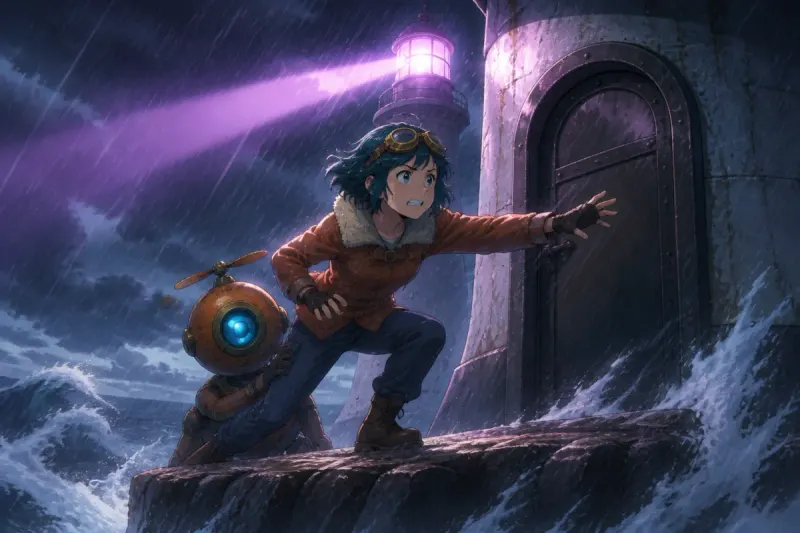
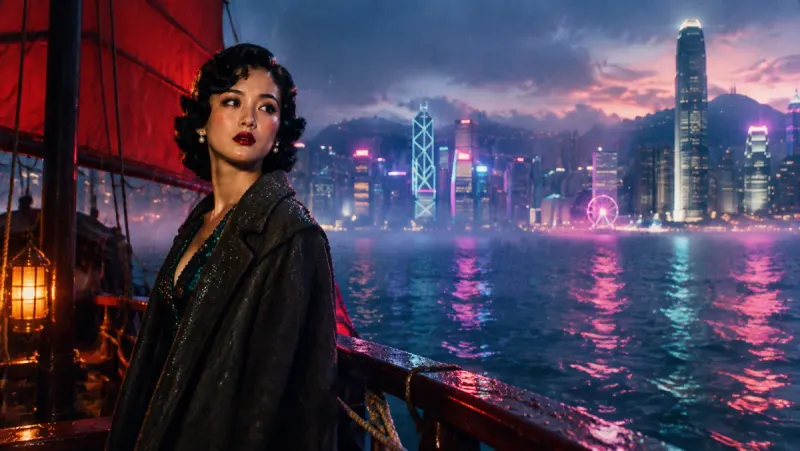
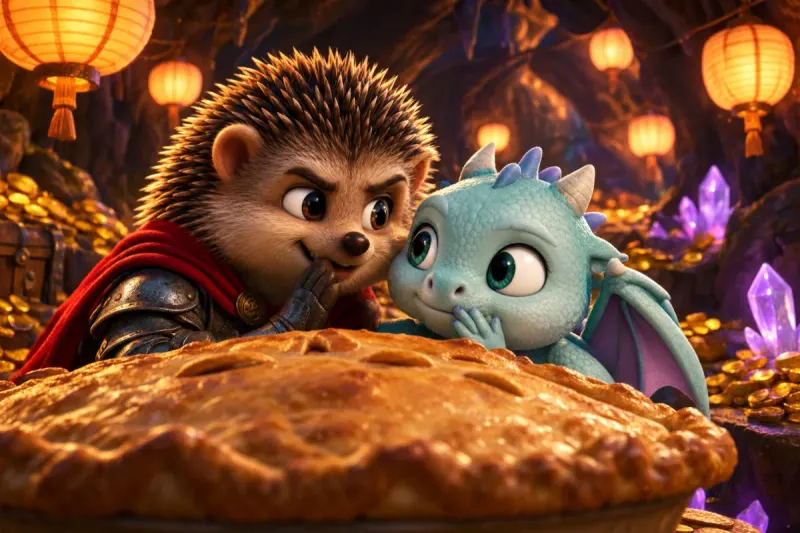
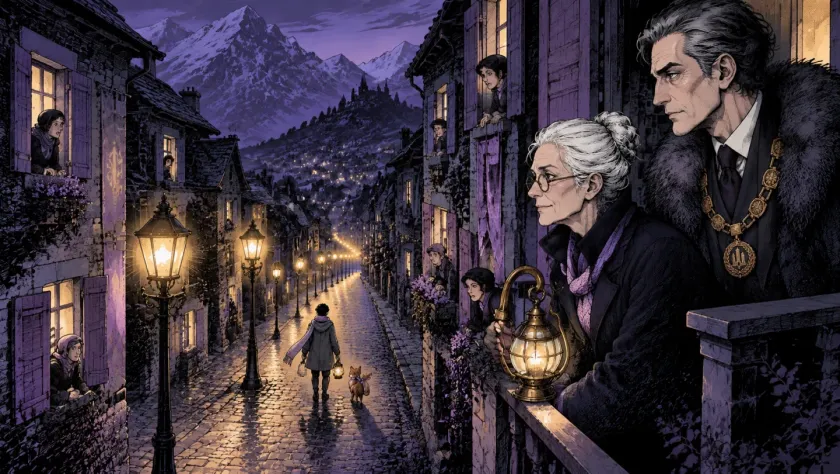
On Studio and Studio Max, Insaga works as an unlimited AI image generator and an unlimited AI video generator at once. Nothing below uses credits, and together it covers the road from a written story to a video file.
Plenty of AI tools use the word. The table puts their terms as of September 2026 next to Insaga's Studio plans.
| What “unlimited” covers | What still costs credits | |
|---|---|---|
| Insaga Studio and Studio Max | Images on Nano Banana 2, Nano Banana Pro and GPT Image 2.5, animation on Google Veo models, voiceover and export, with no time windows | None of these. Studio limits pace instead: parallel generations and the size of the animation queue |
| Higgsfield | Selected models during limited windows: 7 to 33 days for new flagship models, up to a year for older ones | Everything outside a window draws on the plan's monthly credits; after a few hundred generations, a fair-use cap lowers your queue priority |
| Runway | Nothing for new subscribers: Runway closed its Unlimited plan to them on 29 May 2026, and existing Unlimited subscriptions switch over on 30 November 2026 | Everything. Max, the plan that replaced Unlimited, is a monthly credit allowance, and Gen-4.5 video costs 12 credits a second |
| Freepik AI (now Magnific) | About 10 image models | Video and every other model |
| Midjourney | Images in the slower Relax mode, on the Standard plan and up | Fast mode and video, which use the plan's fast GPU hours |
| Kling AI | Credit-based plans | Every generation; Kling 3.0 video costs 6 to 12 credits a second |
| Pika | Credit-based plans | Every generation draws on the plan's monthly credits |
| Luma (formerly Dream Machine) | Credit-based plans | Every generation spends credits |
Compiled from public pricing pages, help centres and reviews in September 2026. Plans change often, so check the vendor's site before you decide. Detailed comparisons: Insaga vs Higgsfield, Insaga vs Runway, Insaga vs Freepik AI.
It is not free. Unlimited generation comes with Studio and Studio Max at a fixed monthly price, and with no other plan. You can start free with 100 credits, once and without a card; the other plans count what you make in credits or daily quotas.
It has a pace. Studio runs 24 generations in parallel and holds up to 500 clips in the animation queue at a time; Studio Max runs 48 and holds up to 2,000. Any account can run up to two story generations at once. When the queue fills up, you add more clips as earlier ones finish, and at busy hours clips take longer to come back. A retake still costs nothing.
It covers the models named here. Images come from Nano Banana 2, Nano Banana Pro and GPT Image 2.5, plus GPT Image 2.5 · Thinking on Studio Max, and animation runs on Google Veo models. Nano Banana Pro works in Illustration mode: it draws each scene straight from the text, without a fixed cast. For characters who recur from frame to frame, pick Nano Banana 2 or GPT Image 2.5.
Clips have a set shape. Each animated clip runs about eight seconds, in 16:9, with no voices or music (at most a quiet ambient background you can mute); the voices and music come from the timeline. You export in 16:9 or 2.35:1. Vertical 9:16 video for Shorts, TikTok and Reels is coming soon.
On a credit plan, creative choices turn into budget questions: is this retake worth it, can you afford a second look, should the episode run shorter. On Studio you still make the choices, and the budget stays out of them.
Paste a script, a story or a chapter. Insaga splits it into scenes and designs the characters and places once. Redesign a hero three times before anything else gets drawn: it costs nothing and saves you fixing faces later.
Studio runs 24 generations at once, Studio Max 48. Look through the whole episode, pick the frames that fall short and redraw them, or try a scene in another style before you commit.
Queue every approved frame in one go. The animation queue holds up to 500 clips at a time on Studio and up to 2,000 on Studio Max, so even a long episode can go in at once. Animate any clip again if you dislike the motion.
Give each character a voice, add your music and subtitles, cut on the timeline and export. After a test screening, change the narration and export again. Studio also has an autopilot that runs story, frames, animation, voiceover, timeline and export in one go.
Unlimited generation pays off where the volume is: long stories, a fixed schedule and scenes you want to get right.
Episodes with the same heroes, week after week. You design the cast once per story and bring it back in the next episode by uploading the characters' pictures. Your schedule sets how many episodes you make.
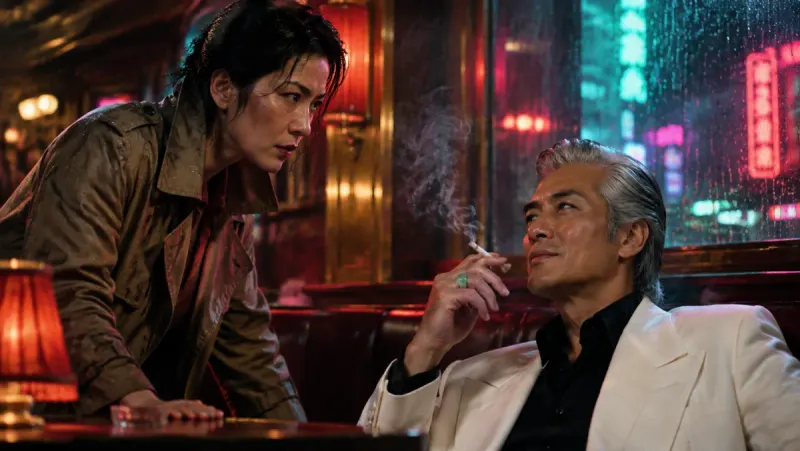
Horror, history, fairy tales or true crime: a weekly episode means hundreds of frames a month, plus retakes. On a credit plan, the monthly allowance decides how many episodes go out. On Studio, your calendar decides.
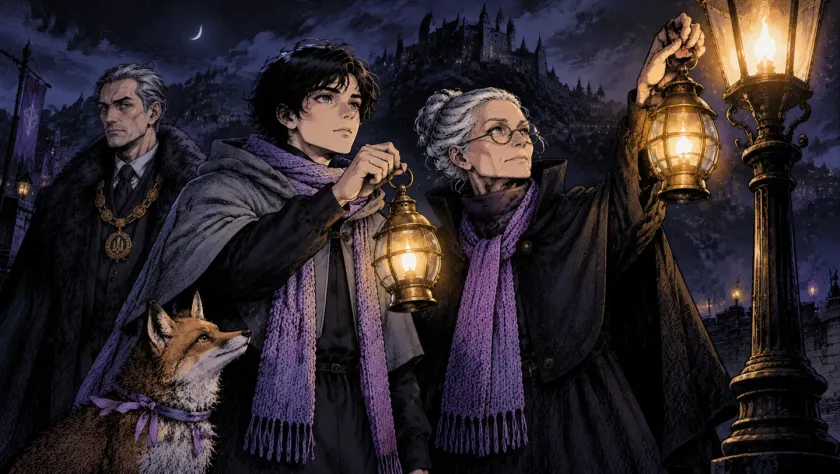
Paste anything from a page to a whole book. If a manuscript does not fit into one project, we raise the limit for your account on request. Make each chapter an episode, and the fortieth chapter costs no more than the first.
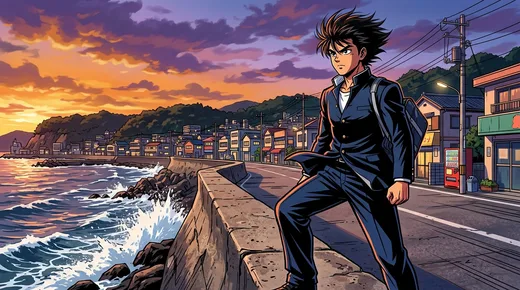
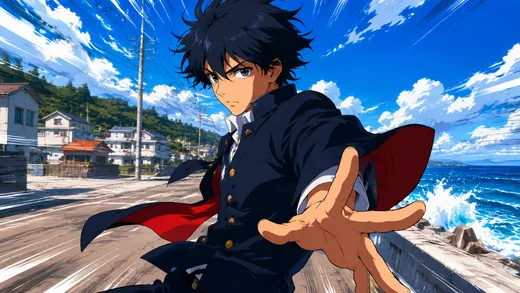
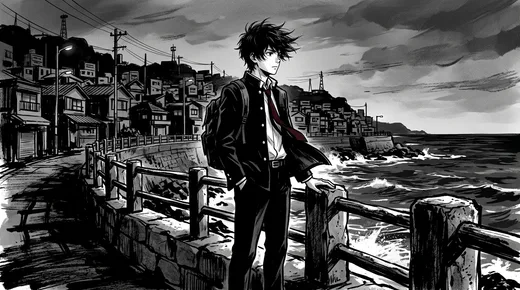
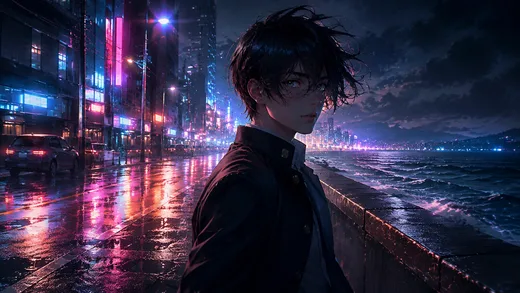
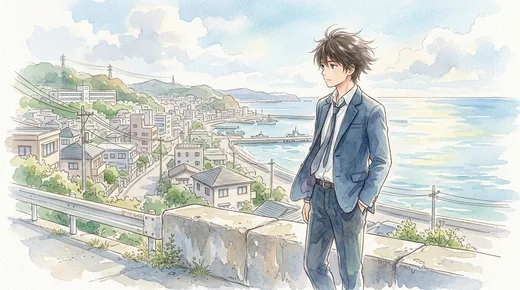
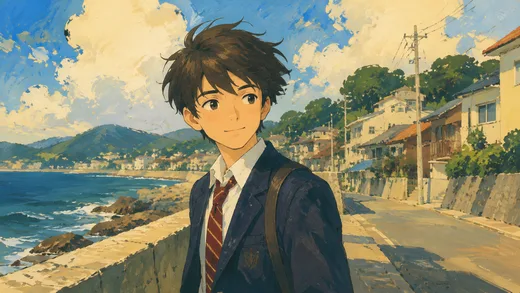
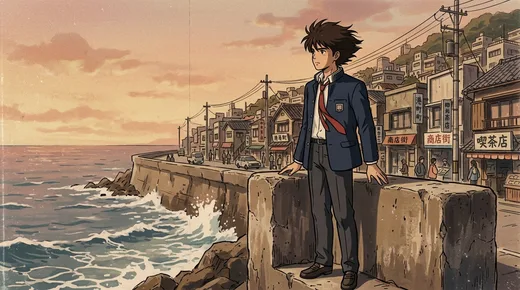
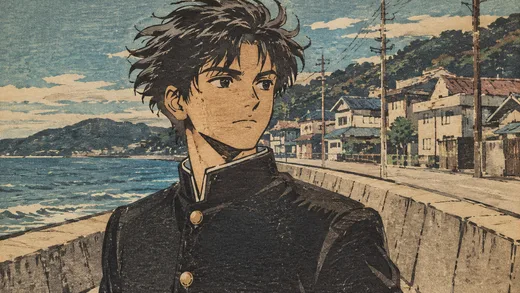
When a take costs nothing, you stop settling for the first one that is good enough. We drew these eight takes of one shot in Insaga: a schoolboy on a seaside road, four times with Nano Banana 2 and four with GPT Image, each in a different anime look. The GPT Image takes date from summer 2026, before GPT Image 2.5 came out.
On the Studio and Studio Max plans, yes. Images on Nano Banana 2, Nano Banana Pro and GPT Image 2.5, animation on Google Veo models, voiceover and export use no credits, and none of it switches off after a set number of days. Studio limits pace instead: how many generations run at once and how many clips wait in the animation queue. The free start and the other plans are not unlimited.
A few limits come with it, and these are the main ones. Unlimited comes with Studio and Studio Max only. It covers the models named here. It has a pace instead of a quota: 24 parallel generations and up to 500 queued clips on Studio, 48 and up to 2,000 on Studio Max, with up to two story generations at once on any account. Clips run about eight seconds in 16:9 and carry no voices or music until you add them on the timeline, and vertical video is coming soon.
On Studio and Studio Max, yes to both. Images on Nano Banana 2 (the default), Nano Banana Pro and GPT Image 2.5 are unlimited, and so is animation on Google Veo models; Studio Max adds GPT Image 2.5 · Thinking. Nano Banana 2 and GPT Image 2.5 keep a fixed cast from frame to frame. Nano Banana Pro works in Illustration mode and draws each scene straight from the text.
We won't promise a number, because Studio has no monthly cap to quote. Two things set the pace: parallel generations (24 on Studio, 48 on Studio Max) and the animation queue, which holds up to 500 or up to 2,000 clips at a time and takes new ones as earlier clips finish. Your monthly total then depends on how long your videos run, how many retakes you make and how busy the service is.
Not at Insaga. You can start free with 100 credits, once, with no card. Right now they go on images at one credit per image, which makes up to 100 frames. Unlimited generation comes with Studio and Studio Max only.
As of September 2026, Higgsfield's unlimited means free generations on selected models during limited windows: 7 to 33 days for new flagship models and up to a year for older ones. After a few hundred generations a fair-use cap lowers your queue priority, and everything outside a window draws on monthly credits. On Insaga Studio the unlimited list does not depend on release windows, and it covers the video itself: animation, voiceover and export as well as images.
Not yet. Animation and export work in 16:9 today, or 2.35:1 for a cinema frame. Vertical 9:16 video is coming soon.
Plan terms, including billing and cancellation, are on the Pricing page and in the Terms of Service. You can also try the studio free before you pay: 100 credits, no card.
Paste a story and meet your cast with 100 free credits and no card. When you move on to whole episodes, Studio makes images, animation, voiceover and export unlimited.
Works in the browser. No install.
Insaga is an independent product and is not affiliated with, endorsed or sponsored by Google, OpenAI or any other company named on this page. Nano Banana and Veo are Google products and GPT Image is an OpenAI product; this page names them only to say which models Insaga offers. Other product names belong to their owners and appear here to identify and compare the services. Facts about other services come from public pricing pages, help centres and reviews as of September 2026 and may have changed since. The frames on this page were made in Insaga.