Nano Banana Pro · Nano Banana 2
Nano Banana Pro and Nano Banana 2 for whole stories, unlimited on Studio
In a chat app you carry your characters from picture to picture yourself, and a daily limit can end the session halfway through a story. In Insaga, Nano Banana 2 draws the cast once and keeps it in every frame, and Nano Banana Pro illustrates text-led projects scene by scene. Start with 100 free credits and no card; on the Studio plan both models are unlimited.
100 free credits ≈ 100 images · no card
Nano Banana, Nano Banana Pro and Nano Banana 2 in one minute
Nano Banana is the codename Google used for Gemini 2.5 Flash Image, released on 26 August 2025. It spread fast because it could keep a character recognisable from one picture to the next and edit an image from a plain-language instruction. Google now lists that first model as deprecated in the Gemini API, with shutdown set for 2 October 2026.
Nano Banana Pro is Gemini 3 Pro Image, released on 20 November 2025 and built on Gemini 3 Pro. Google's pitch is precision: legible text inside the image in many languages, up to 14 input images blended into one, up to five people kept recognisable, output in 2K and 4K, local edits to lighting, focus and camera angle, and facts pulled in from Google Search.
Nano Banana 2 is Gemini 3.1 Flash Image, released on 26 February 2026. Google describes it as Gemini's world knowledge and image quality at Flash speed. It keeps up to five characters and up to 14 objects consistent, renders anything from 512px to 4K, and it replaced Nano Banana Pro as the default image model across the Gemini app, with Google AI Pro and Ultra subscribers keeping access to Pro.
Nano Banana Pro vs Nano Banana 2
The two current models side by side, as Google describes them. The last row is how Insaga uses each one.
| Nano Banana Pro | Nano Banana 2 | |
|---|---|---|
| Google's name | Gemini 3 Pro Image | Gemini 3.1 Flash Image |
| Released | 20 November 2025 | 26 February 2026 |
| Google's own description | The premium choice for the most complex visual tasks | The versatile generalist workhorse for all tasks |
| Characters kept consistent | Up to five people | Up to five characters and 14 objects |
| Output size | Up to 4K | From 512px up to 4K |
| Price per image in Google's API | Higher | Lower |
| In the Gemini app | Google AI Plus, Pro and Ultra plans | Default model, also without a paid plan |
| In Insaga | Every account, in Illustration mode | Every account, the default in every mode |
Google's launch posts for both models and the Gemini API documentation and pricing pages, checked 27 September 2026.
Nano Banana Pro or Nano Banana 2: which to use
Nano Banana 2 for anything with a cast. A story is dozens or hundreds of frames with the same people in them. That is volume, and Google built Nano Banana 2 for volume: it is the faster model, it costs less per image in Google's API, and Google calls it the generalist workhorse of the family. It is also the model Google says keeps up to five characters consistent. In Insaga it is the default in every mode.
Nano Banana Pro when one picture has to carry a lot. Words inside the image, a crowded historical scene, a layout that reads like a diagram, a real place that has to look right. Google positions Pro as its premium model for the most complex visual tasks, with the deepest world knowledge of the three.
In Insaga, the mode draws the line. Nano Banana Pro is used for illustration-style projects. In Illustration mode Insaga skips the character sheets and illustrates each scene straight from your text, which suits history channels, explainers and educational narration, where every picture stands on its own. Switch on Captions there and a short line from the scene is written into the picture in the language of your story, a job that plays to Pro's text rendering. Stories with recurring heroes run in Characters mode, on Nano Banana 2 or GPT Image 2.5.
Still not sure? Run the same short passage through both and put the frames side by side. On Studio the test costs nothing; on the free start it costs one credit per frame.
How a story is drawn with Nano Banana 2 in Insaga
Nano Banana 2 is already selected when you open the studio. What Insaga adds is the work a chat leaves to you: reading the story, keeping the cast and keeping count of the frames.
Pick the mode and the look
For a story with heroes, stay in Characters mode with Nano Banana 2, or switch to GPT Image 2.5. For scene-by-scene illustration of a text, choose Illustration mode and Nano Banana Pro. Then pick one of 100+ styles, or a style of your own built from reference images on the Director and Studio plans.
Paste the story
From one page to a whole book. Insaga reads the text, splits it into scenes and works out who appears in each one and where it happens. You never write a prompt per picture.
Approve the cast and the places
Every character gets a reference sheet with poses and expressions, and every location gets its look, before a single scene is drawn. Change a face here, or upload your own picture of a character, and the change carries into every frame.
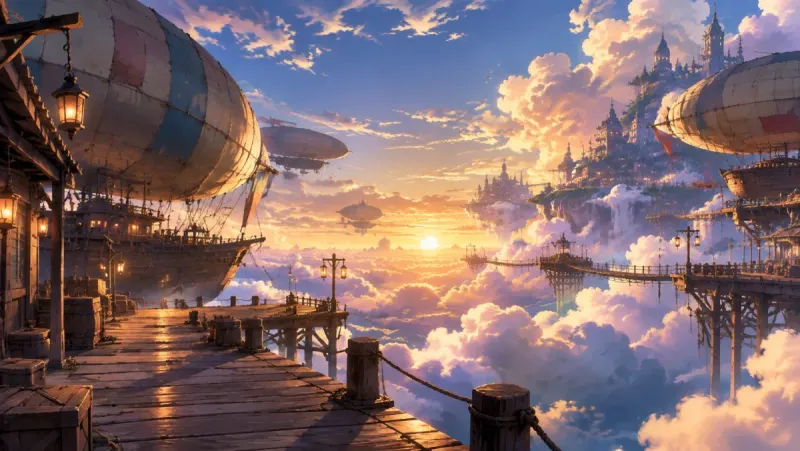
A location sheet: the sky docks, designed once and reused in every scene set there. Draw the frames
Each frame is drawn with the sheets of the characters and the place in that scene, so the hero in frame 60 is the hero from frame 1. If one frame is off, redraw only that one. On Studio and Studio Max, frames cost no credits.
Turn the frames into video
On the Studio plan frames are animated into clips of about eight seconds in 16:9, then voiced and cut together on the timeline. That is the honest answer to “Nano Banana video”: the model draws stills, and Insaga animates them.
Four characters, designed once
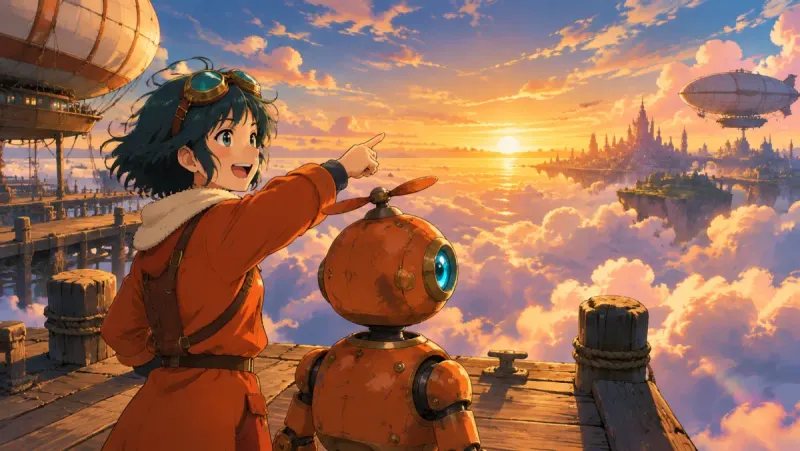
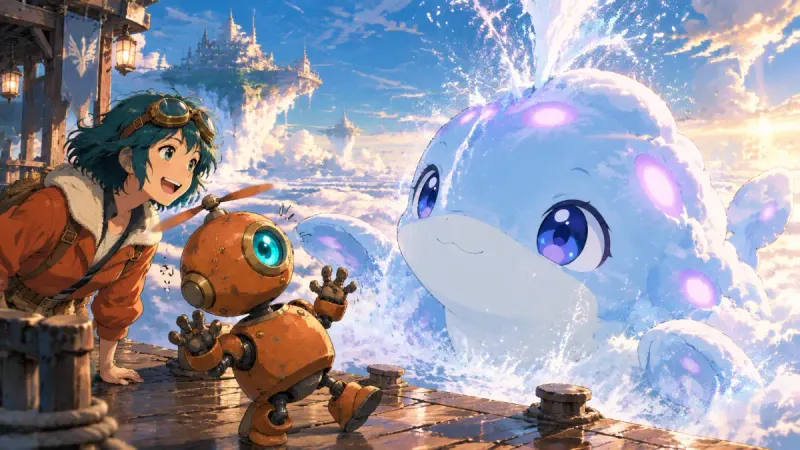
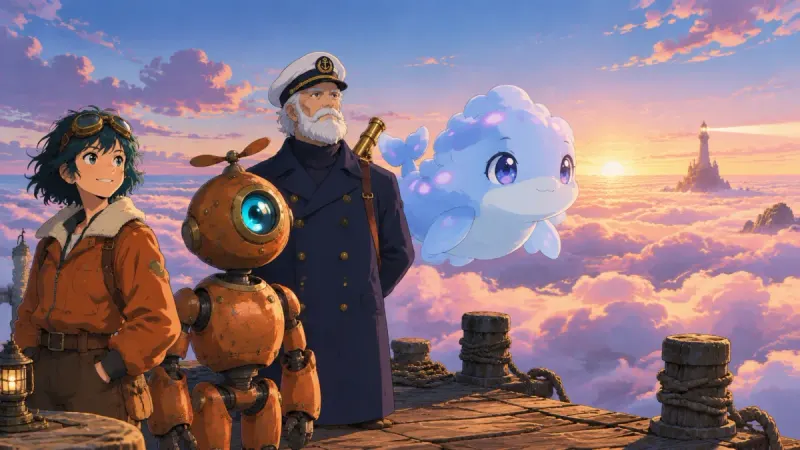
These frames come from one short story made in Insaga in an anime look: a pilot, her robot, an old sky captain and a whale made of cloud. Each of them got a reference sheet before the first scene was drawn, and every later frame was drawn from those sheets.
The cast sheets
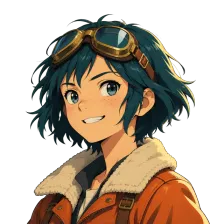 The pilot
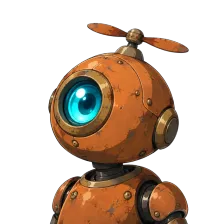 The robot
 The captain
 The cloud whale
The same four, in different light
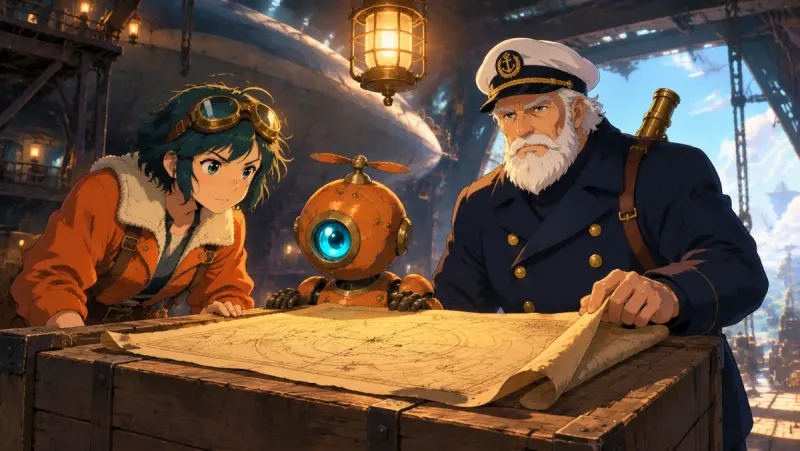
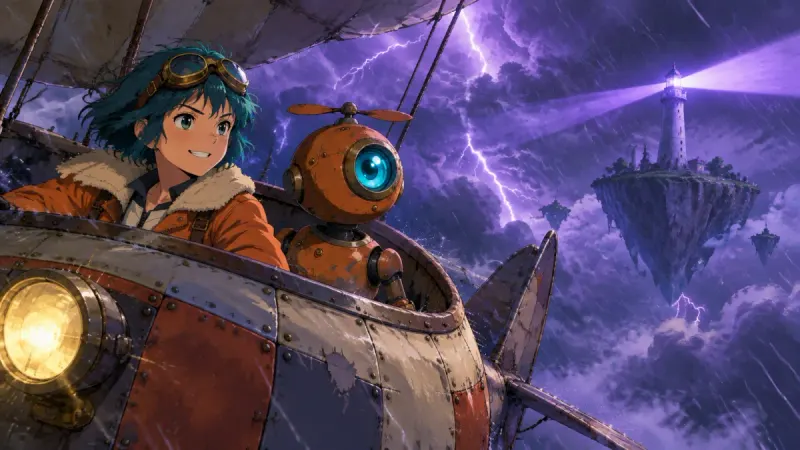
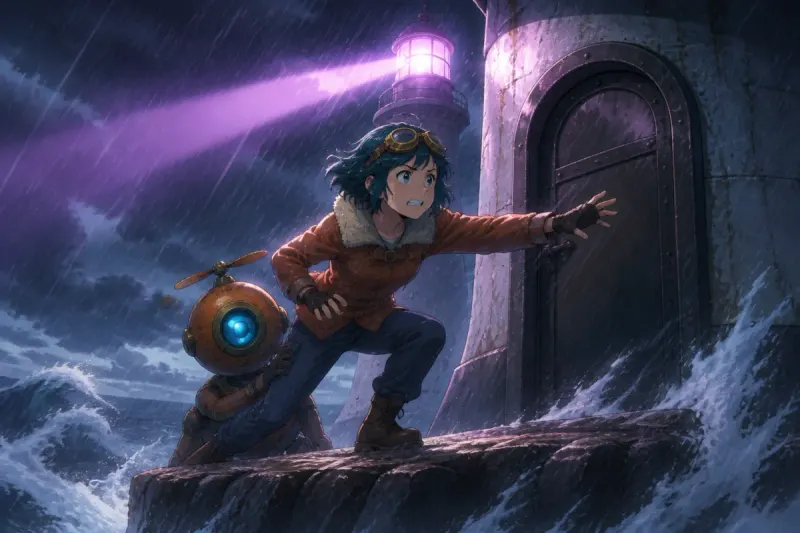
The goggles, the fleece collar and the robot's single blue eye come through a sunset, a lightning storm and a night at sea unchanged. That continuity is what a story needs from an image model, and in a chat window it is your job to keep it.
The model draws; the style decides the look
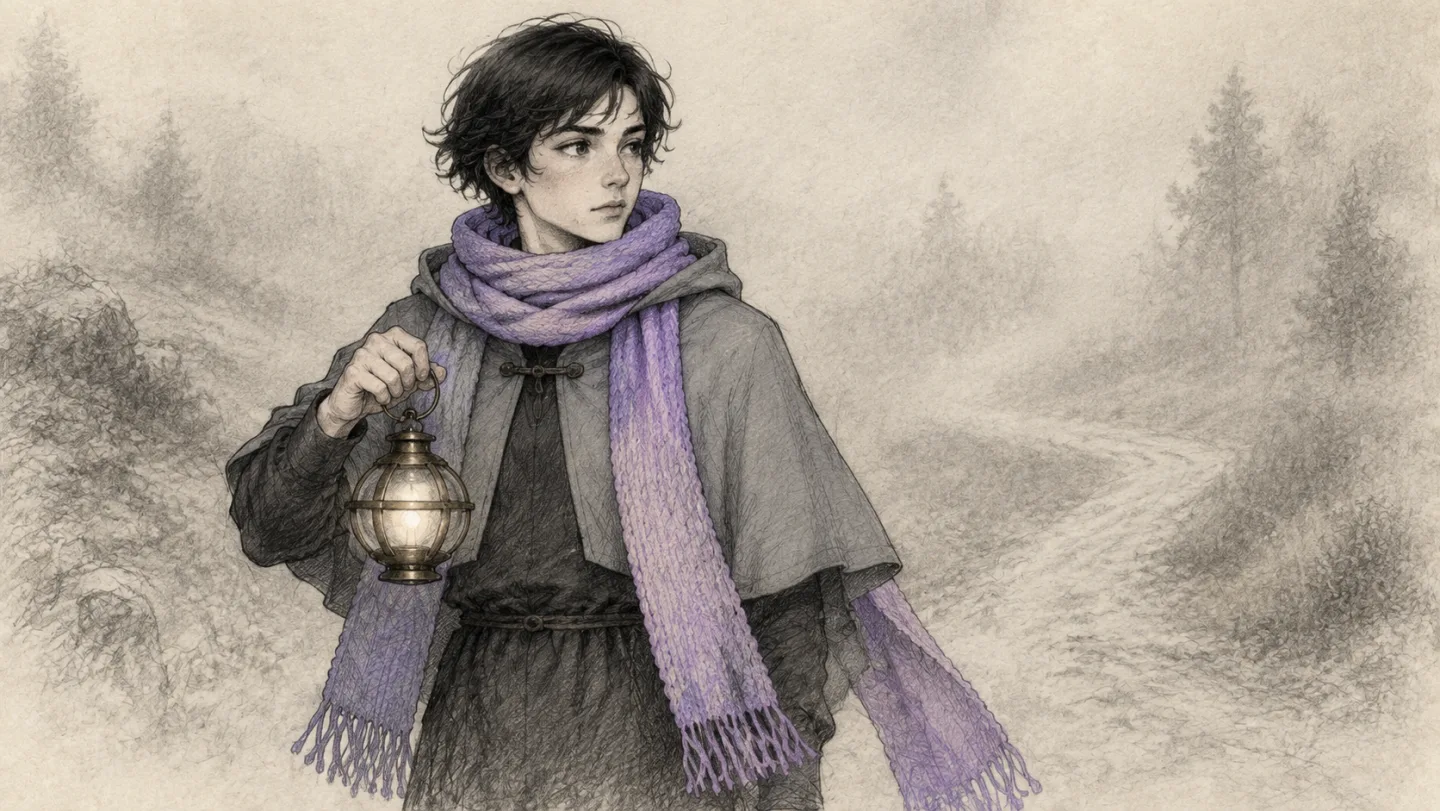
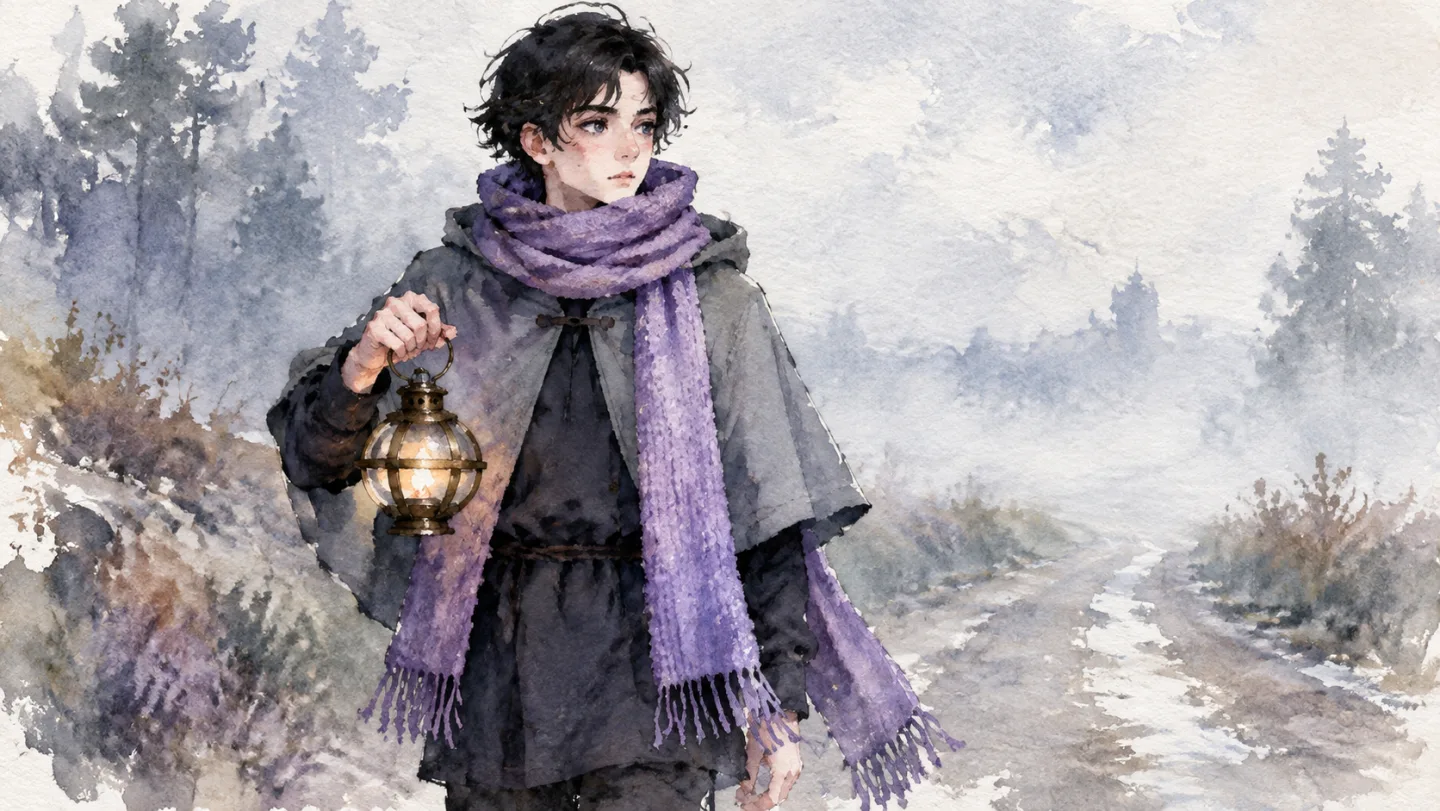
Model and style are separate choices. Here is the traveller from another Insaga story, the same scarf and the same lantern, in four of the 100+ styles.
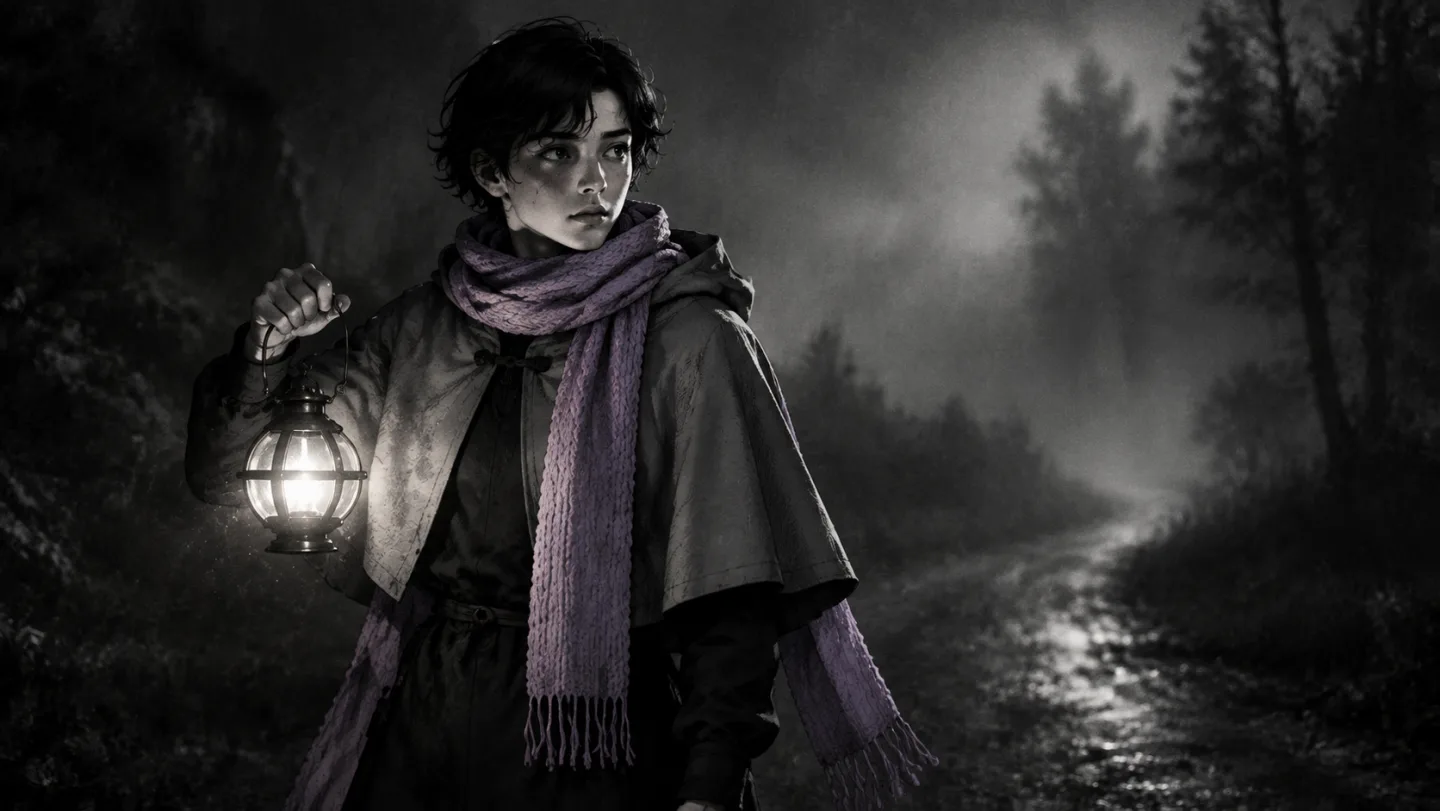
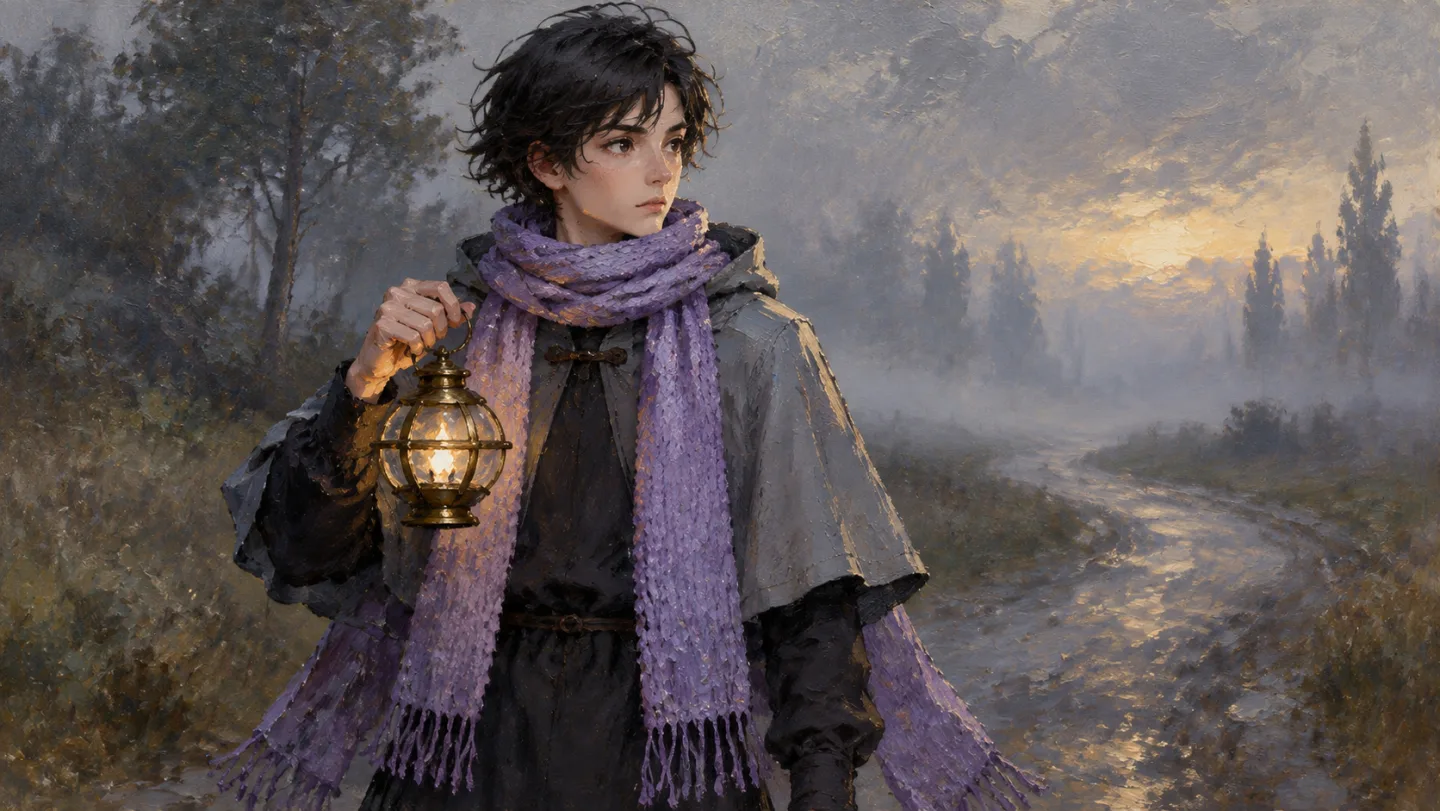
Where Google's own apps are the better choice
Editing one picture by talking to it. Change the sky in a photo, put a product on a table, translate the sign on a shop front: that is the Gemini app's home ground. Google recommends multi-turn conversation as the way to iterate on an image, and the app is built around that loop. Insaga is not a chat. You work with scenes, sheets and frames, and you fix a frame by redrawing it.
Single images in any shape. Posters, square posts, phone wallpapers, very wide banners: Google's tools offer many aspect ratios and stills up to 4K. Insaga draws story frames in 16:9 or the cinematic 2.35:1, because they are meant to become video.
Pictures built on live facts. In Google's tools both models can pull facts and reference images from Google Search into the picture. For an infographic that must match today's numbers, go there.
Your own product. Insaga has no public API. If you need Nano Banana inside your own app, the Gemini API and Google AI Studio are the way in.
Insaga is the better tool when a picture is one of many: an episode, a series, a book told in frames, where the fortieth frame has to match the first and the images will go on to become video.
Gemini app, Gemini API and Insaga compared
Only what Google states on its own pages, next to what Insaga does.
| Gemini app | Gemini API | Insaga | |
|---|---|---|---|
| Nano Banana 2 | Default image model, also without a paid plan | Paid, billed per image | Default model for every account |
| Nano Banana Pro | Google AI Plus, Pro and Ultra plans | Paid, billed per image at a higher rate than Nano Banana 2 | Every account, in Illustration mode |
| Free to start | Yes, within daily limits | No free tier for image models | 100 credits once, no card: up to 100 images |
| Unlimited | No: daily limits by plan, which Google says may change | No: every image is billed | Yes, on Studio and Studio Max |
| Same characters across a story | You bring the references and keep the chat going | You send the references with every request | Character and location sheets, reused in every frame |
| Picture shapes | Many aspect ratios | 512px to 4K; ratios as wide as 8:1 on Nano Banana 2 | 16:9 and 2.35:1 story frames |
| Fixing a picture | Describe the change in the chat | Multi-turn editing | Redraw a single frame |
The Google columns summarise Google's launch posts, Gemini Apps Help and the Gemini API pricing page as checked on 27 September 2026. Plans, limits and prices change, so check Google's pages before relying on them.
Questions about Nano Banana Pro and Nano Banana 2 in Insaga
Can I use Nano Banana Pro for free?
Within the free start, yes. A new Insaga account gets 100 credits once, with no card, and one image costs one credit, so that is up to 100 images with Nano Banana 2 or Nano Banana Pro. It is a one-time start, not a daily refill; after that, images come with a paid plan.
Is Nano Banana Pro really unlimited in Insaga?
Only on the Studio and Studio Max plans. There, images with Nano Banana 2, Nano Banana Pro and GPT Image 2.5 use no credits. On the free start and on other plans every image counts against your credits or your plan's allowance; the details are on the pricing page.
Is it the same Nano Banana as in the Gemini app?
It is the Nano Banana model, which Insaga runs through its image provider rather than through the Gemini app. Insaga writes its own prompts, attaches your character and location sheets and sets the frame format, so the same sentence typed into Gemini and into Insaga will not give the same picture.
Where do I find Nano Banana Pro in Insaga?
In the main studio, choose Illustration mode and pick Nano Banana Pro as the image model. Illustration mode draws each scene straight from your text without character sheets, which suits history, explainers and educational stories. For a story with recurring heroes, use Characters mode with Nano Banana 2 or GPT Image 2.5.
Nano Banana 2 or GPT Image 2.5 for consistent characters?
Both are open to every account, and with either one the cast comes from the same sheets, so faces and outfits hold. The two models draw differently, so try a few frames of your own story with each and keep the one whose look suits it. GPT Image 2.5 Thinking is available on Studio Max.
Can Nano Banana make video?
No, Nano Banana models draw still images. In Insaga, the frames can be animated into clips of about eight seconds in 16:9 on the Studio plan, then voiced and cut together on the timeline into one video.
Can I use the images commercially?
Insaga's Terms grant a licence to use what you make in Insaga commercially. When you work in Google's own apps, Google's terms apply there.
What happened to the original Nano Banana?
Google has moved on from it. Nano Banana 2 became the default image model in the Gemini app in February 2026, and the Gemini API lists Gemini 2.5 Flash Image as deprecated, with shutdown set for 2 October 2026. In Insaga, the default is Nano Banana 2.
Keep exploring
Draw your cast with Nano Banana 2
Paste a story, meet the characters and draw the first frames. The first 100 credits are free, and you do not need a card.
Works in the browser. No install.
Insaga is an independent product and is not affiliated with, endorsed or sponsored by Google. Nano Banana, Gemini and Google are trademarks of Google LLC; the names are used only to say which models are available in Insaga. Facts about the models come from Google's public announcements and documentation, checked on 27 September 2026.